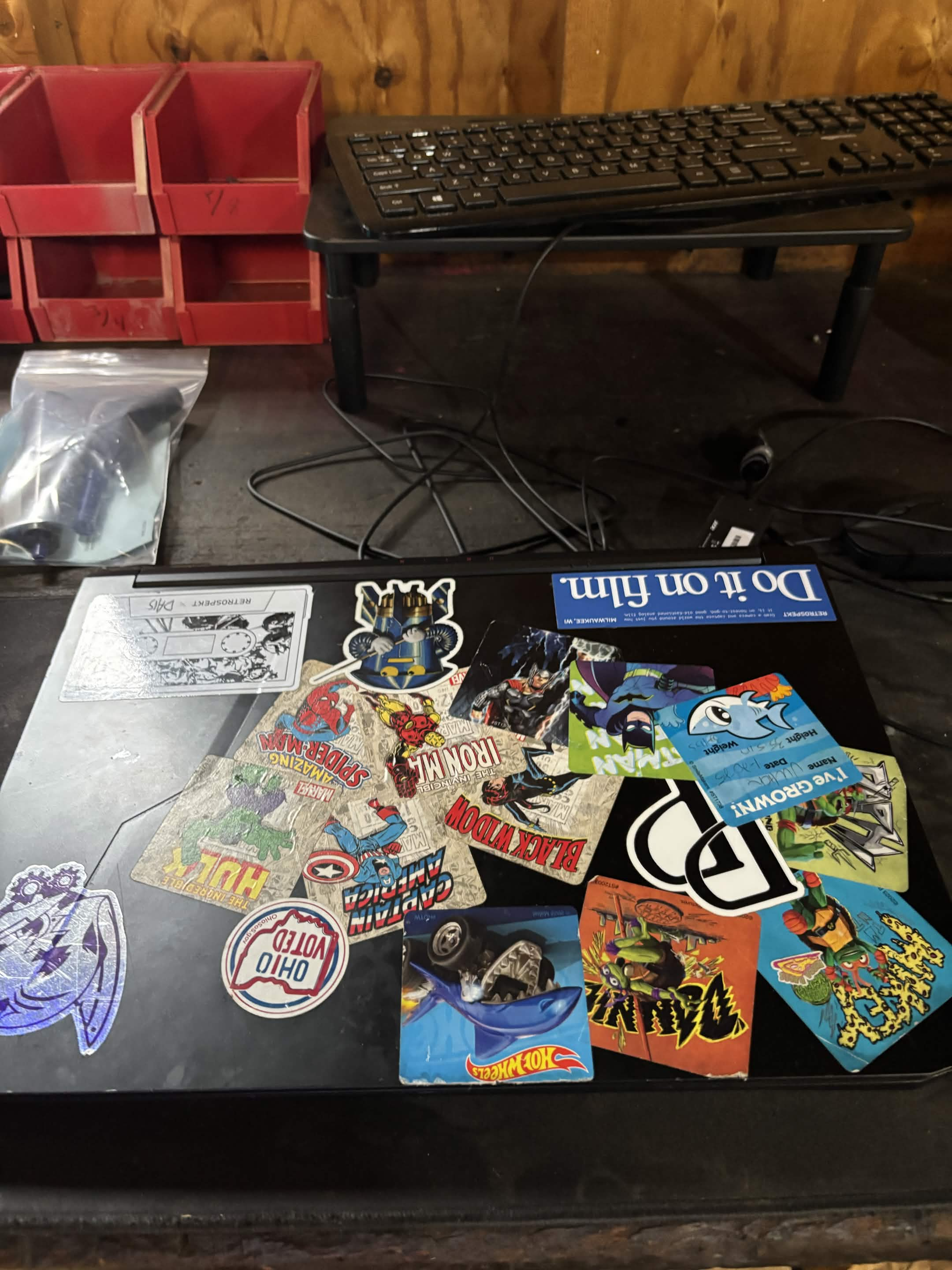
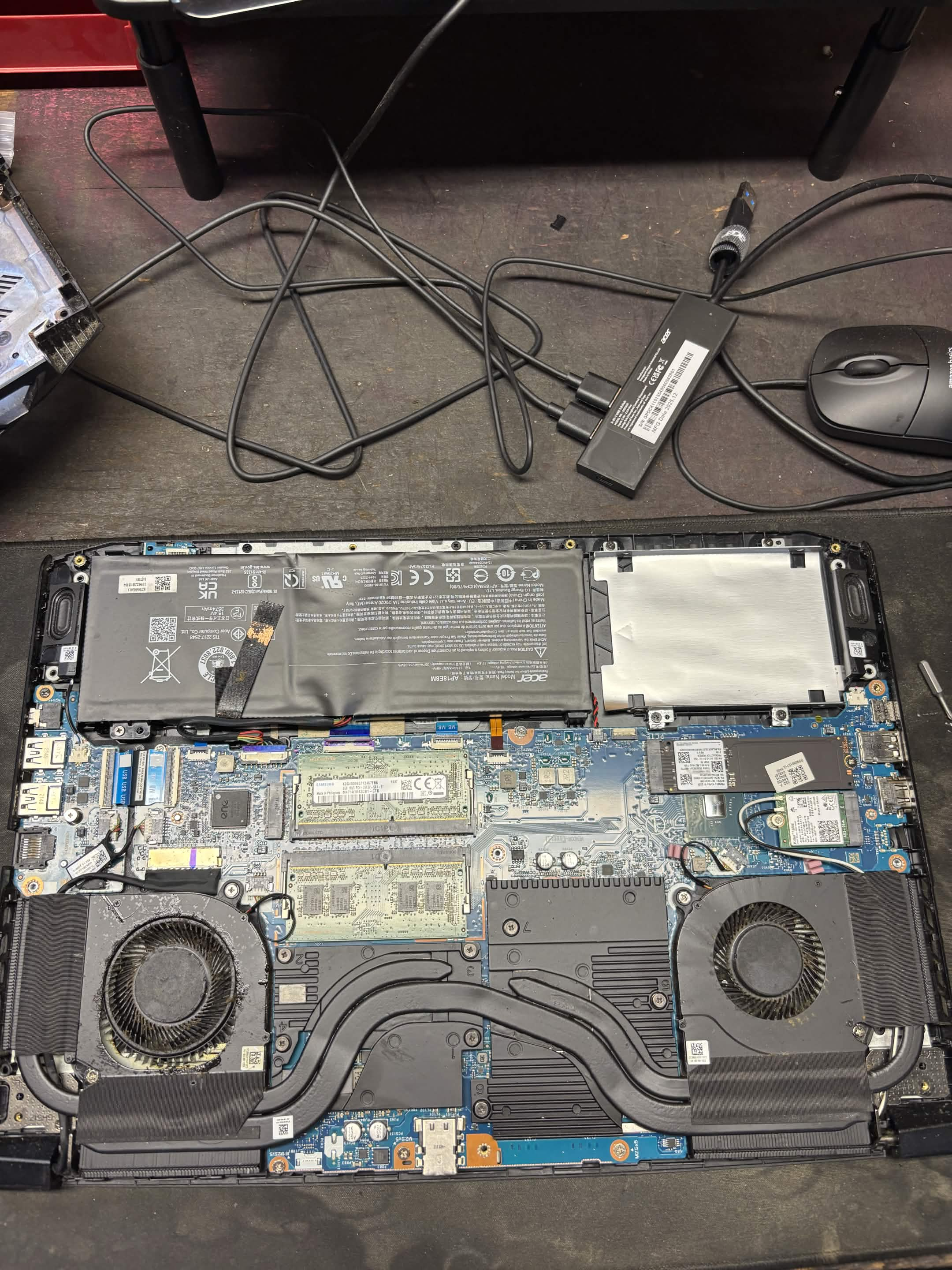
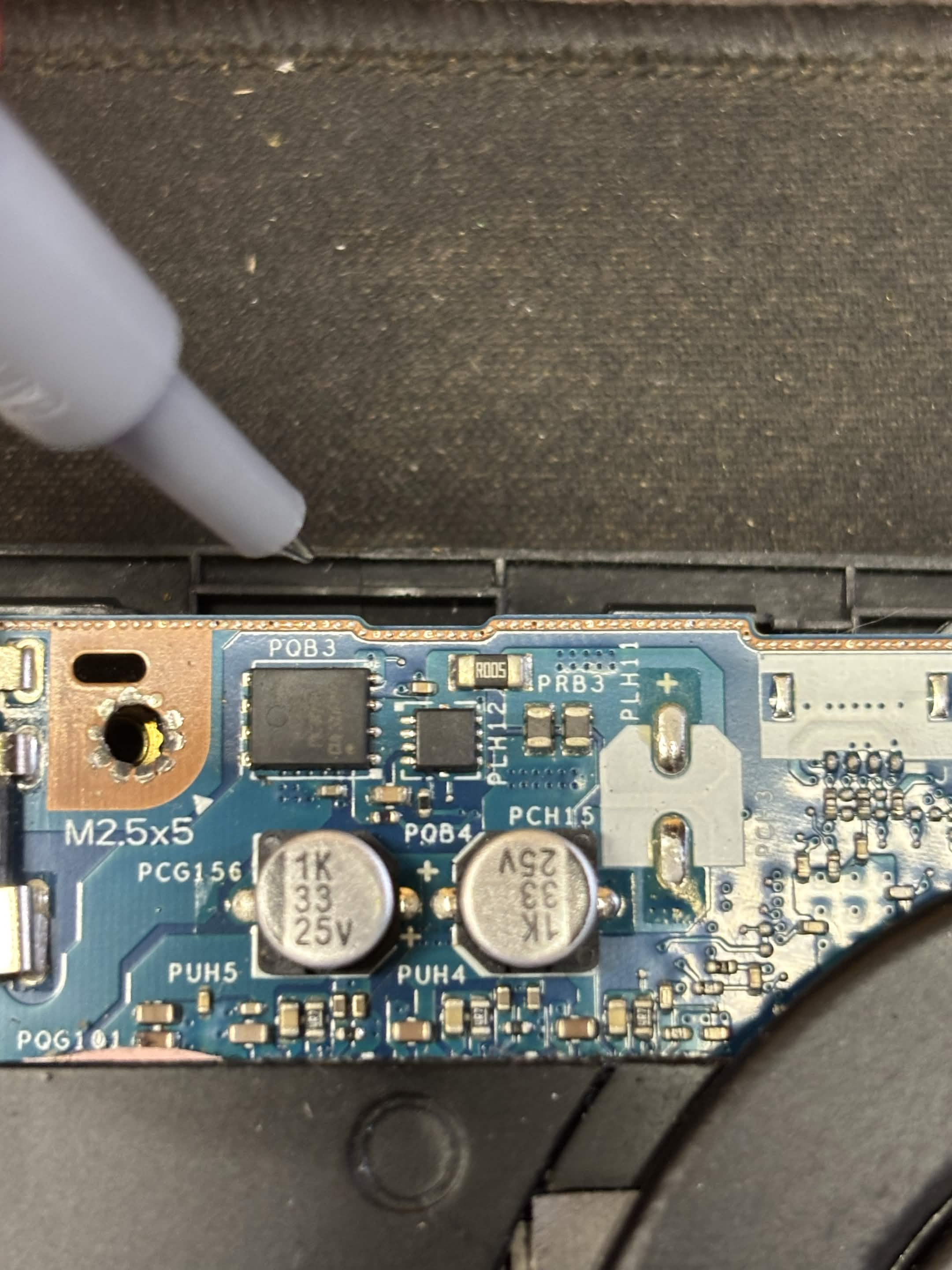
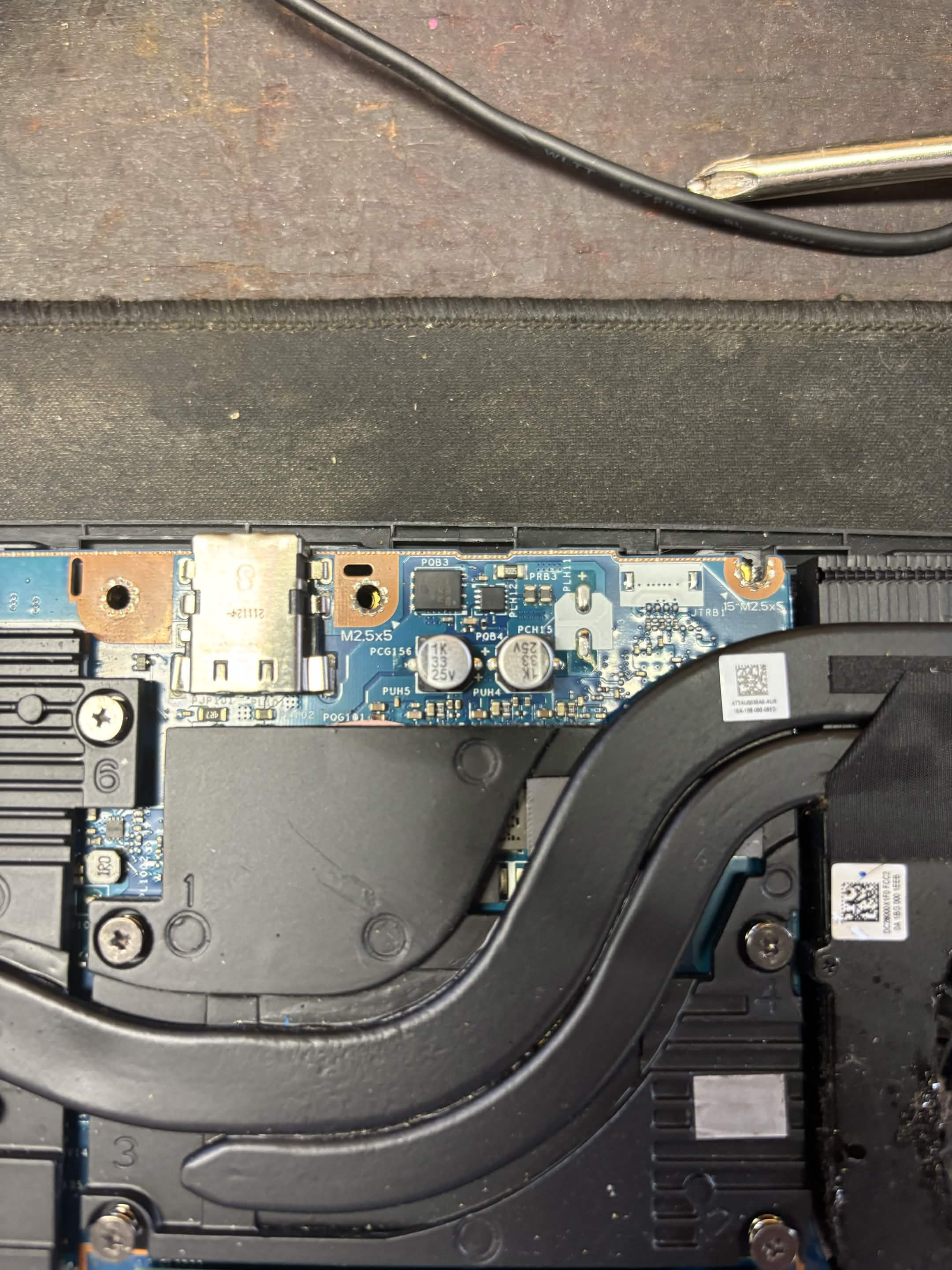
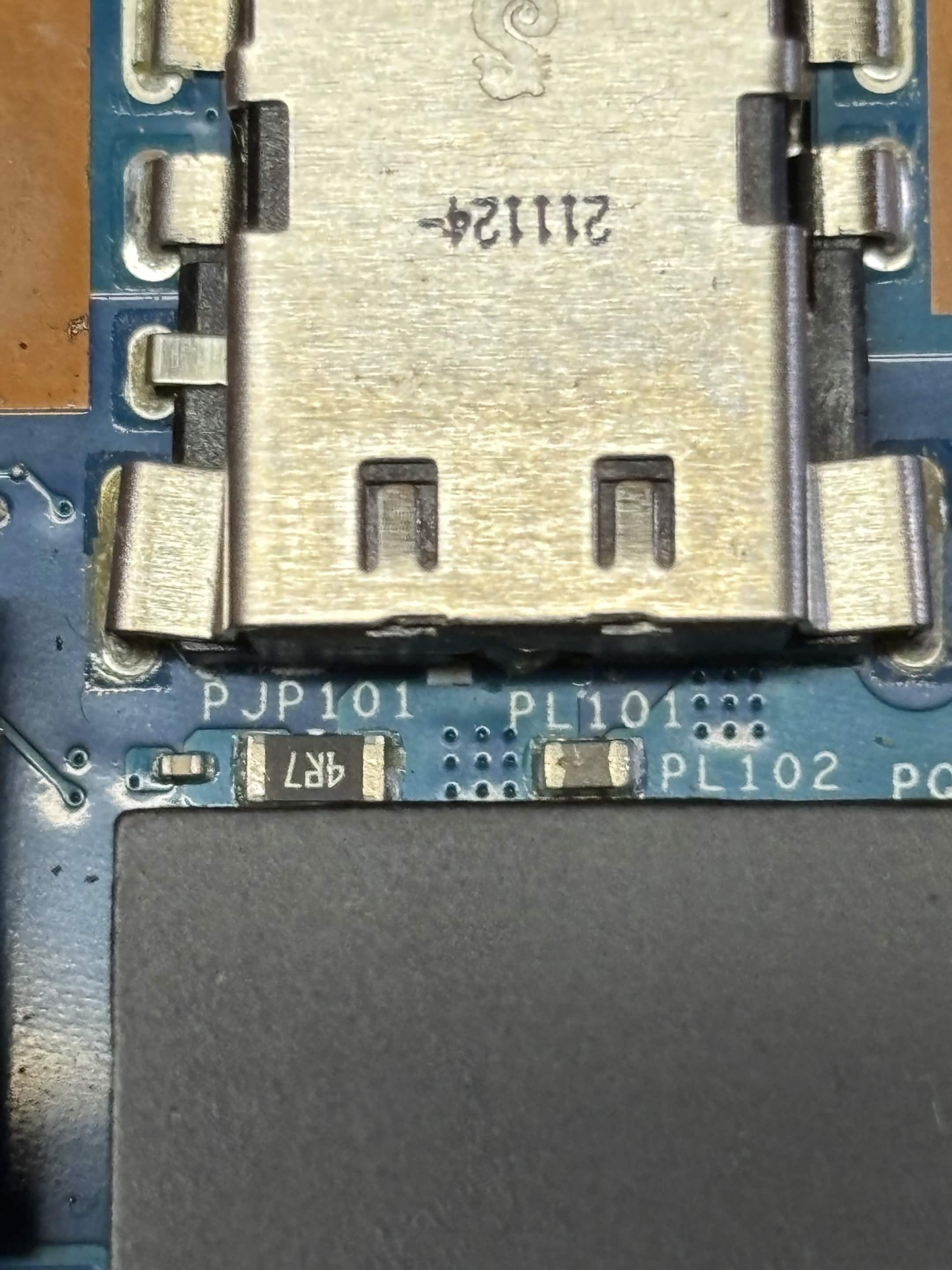
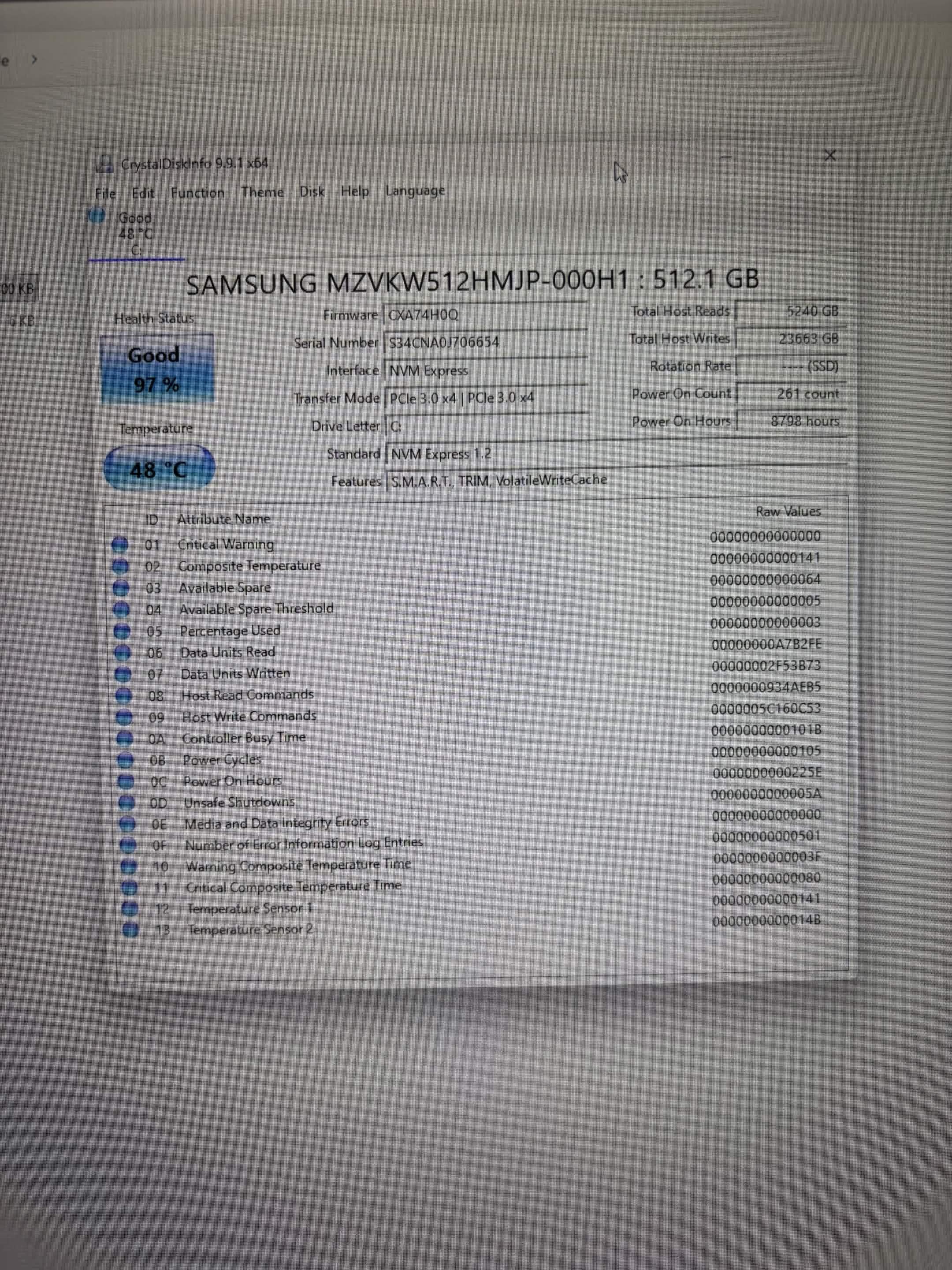
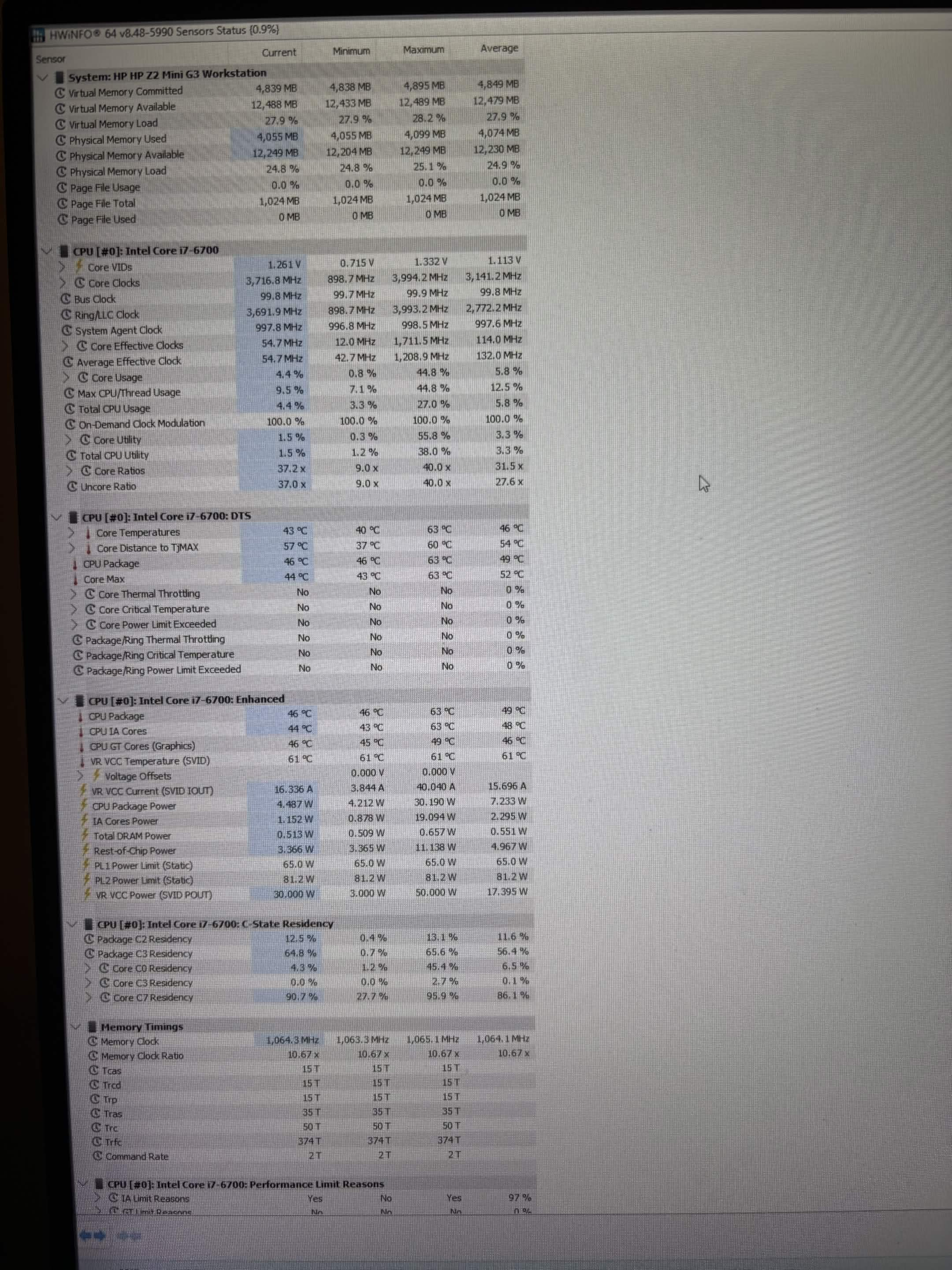
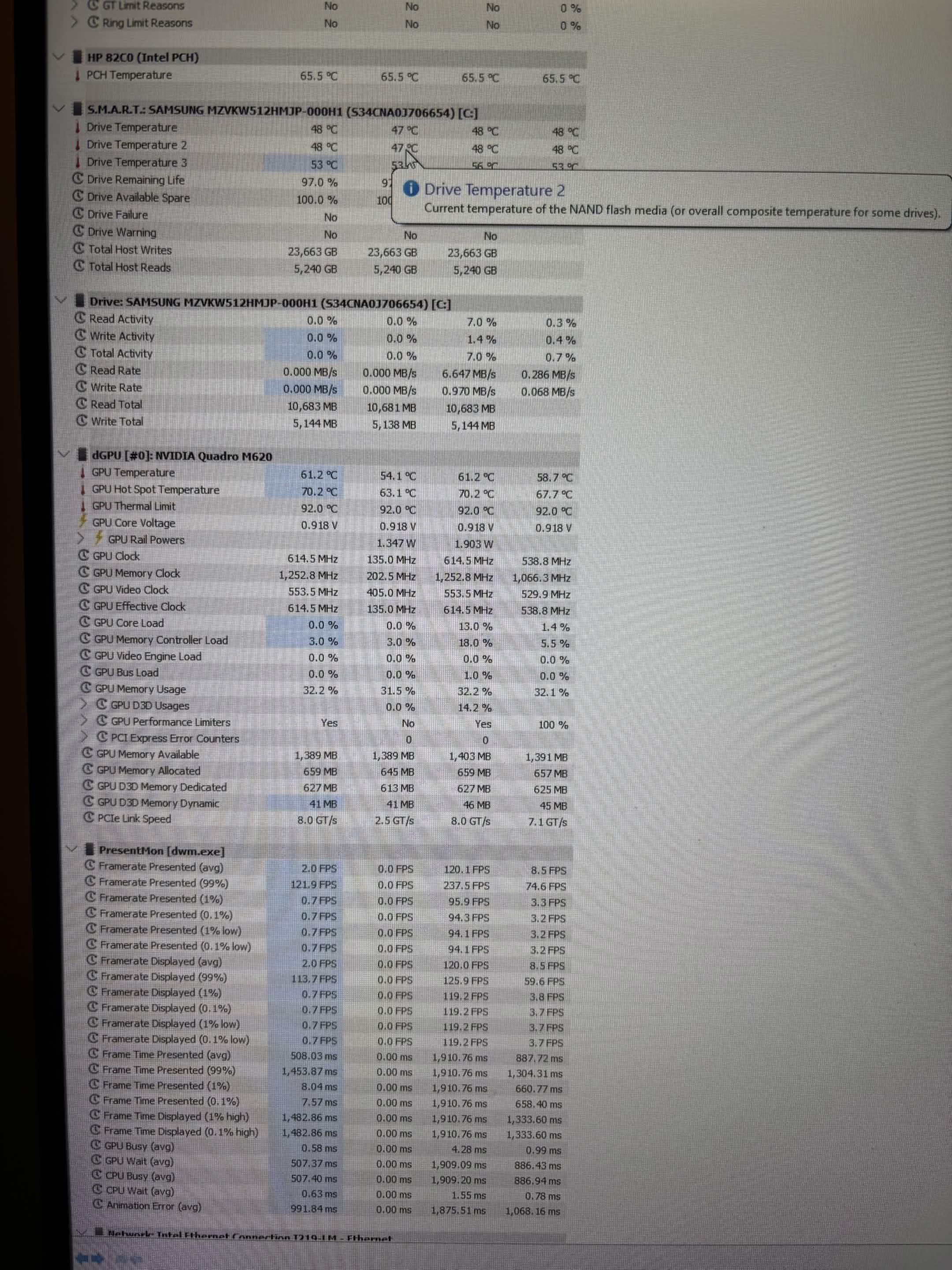
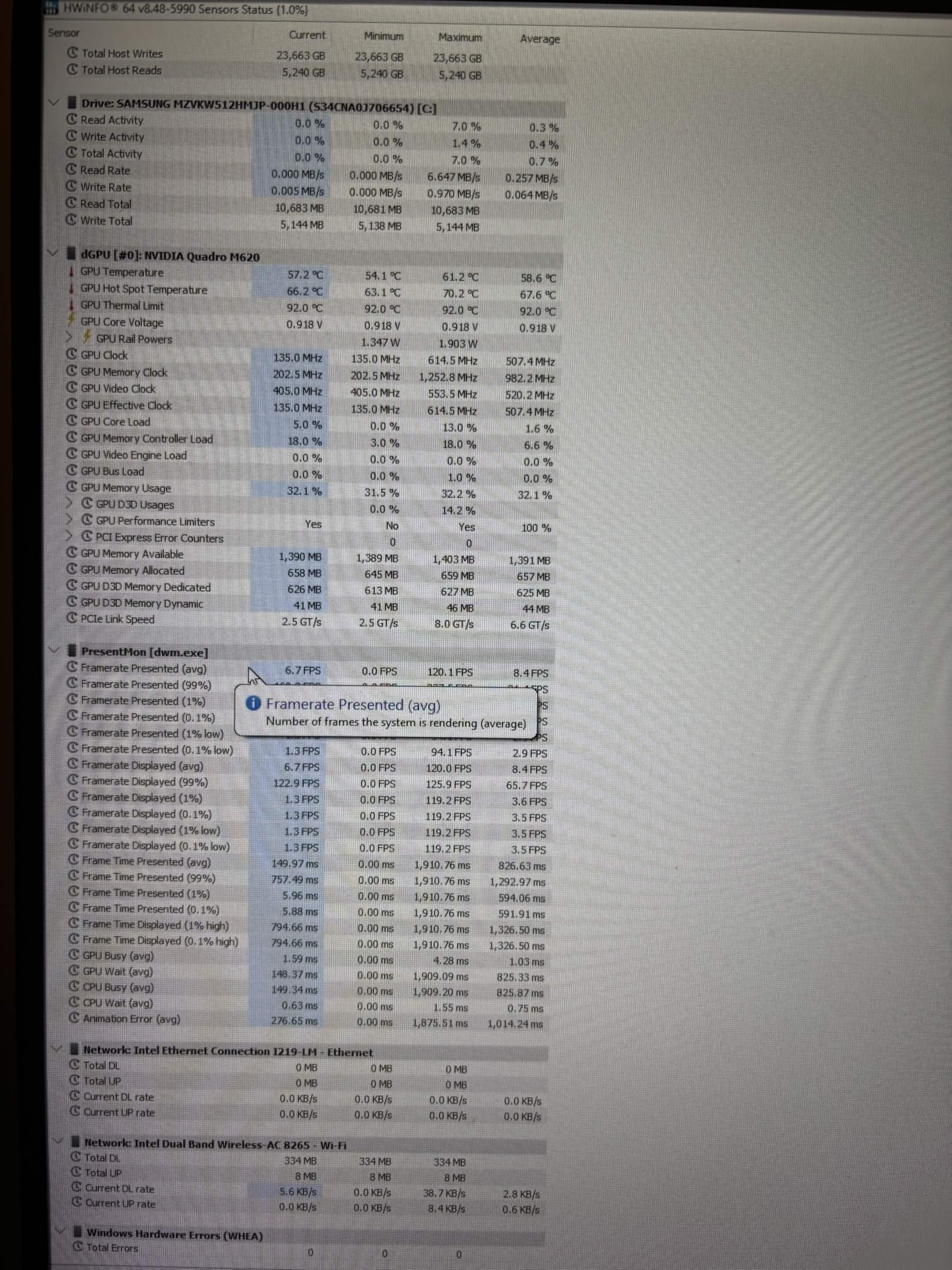
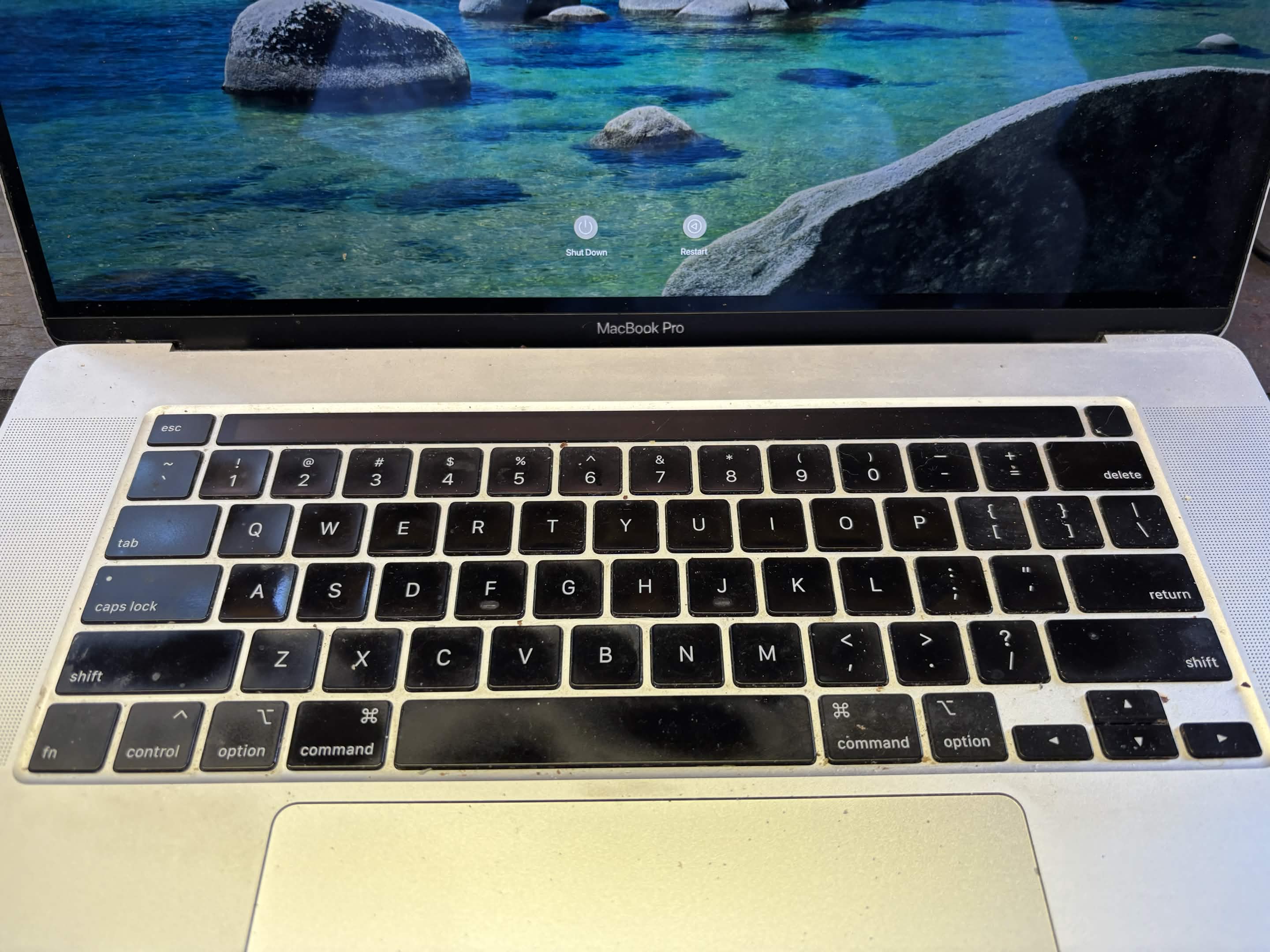
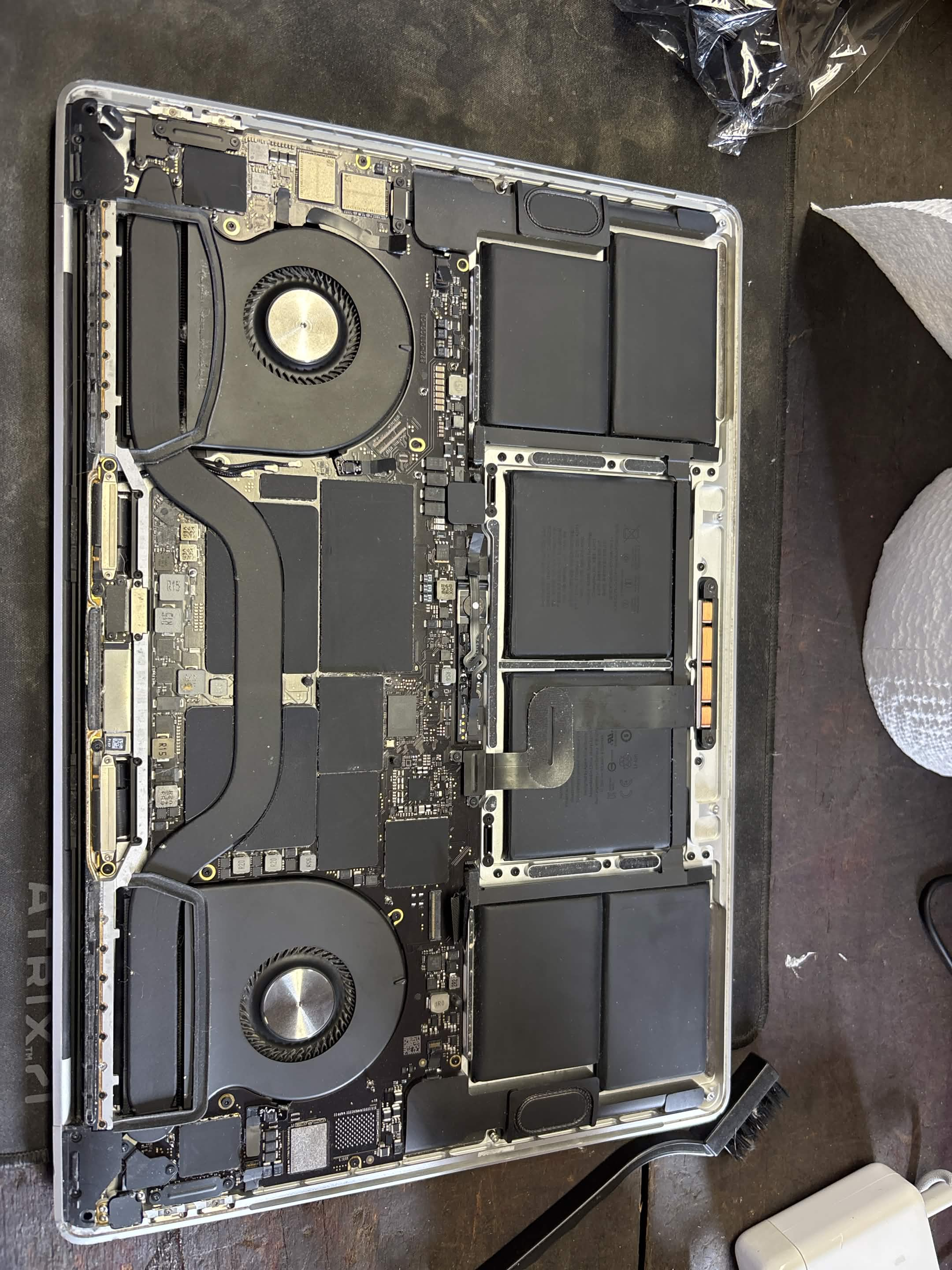
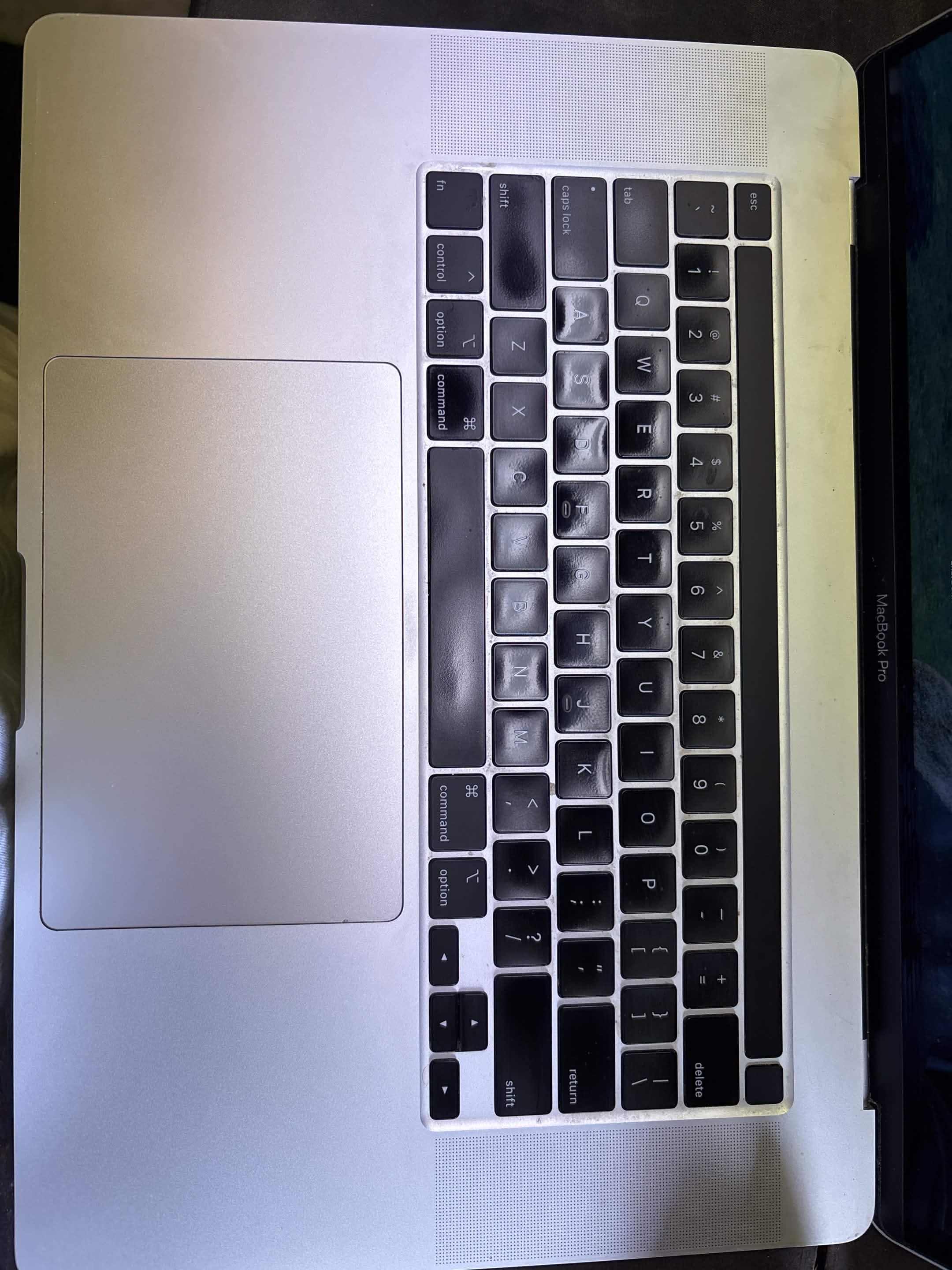
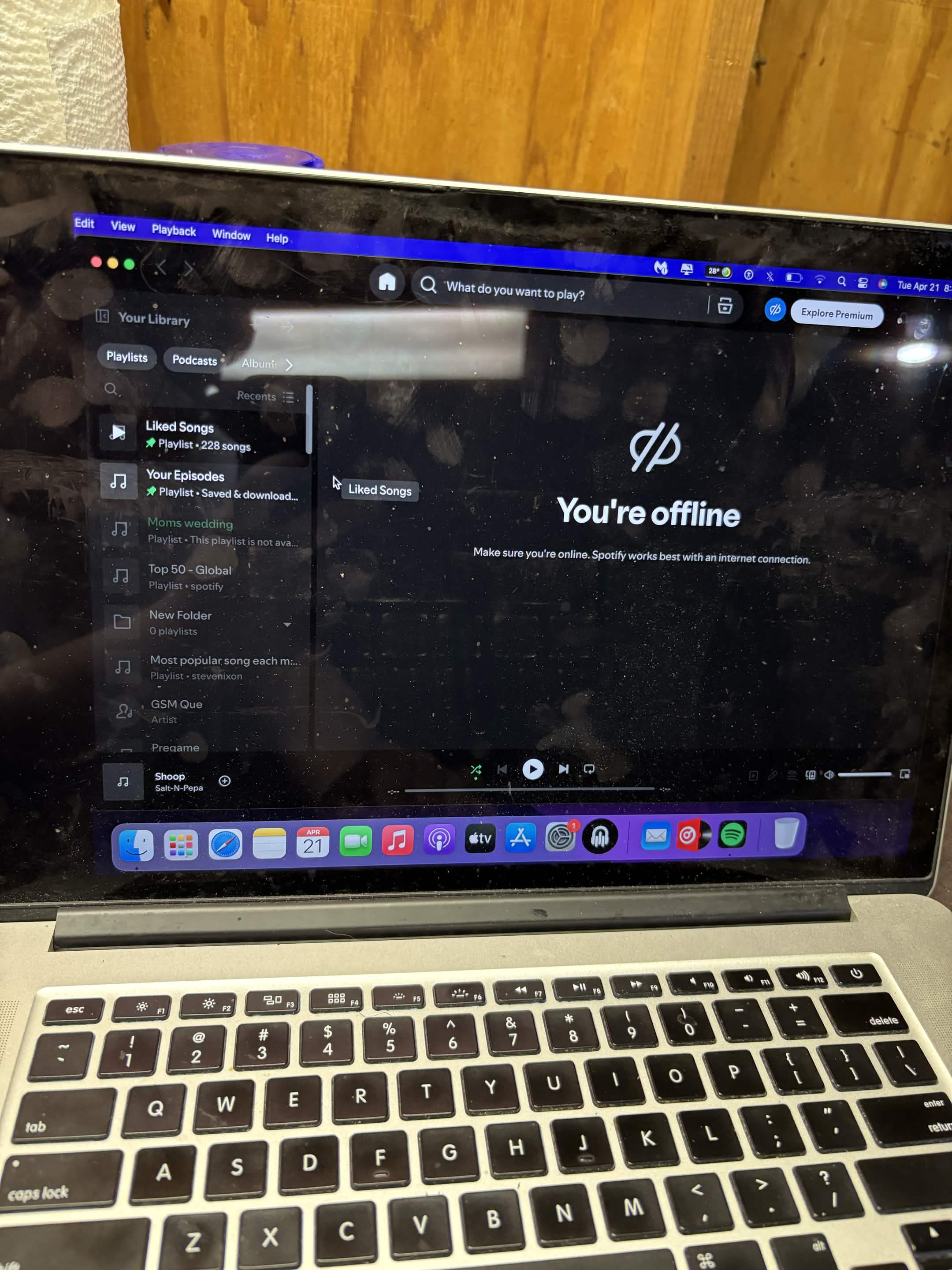
This laptop came in because it would not power on or charge.
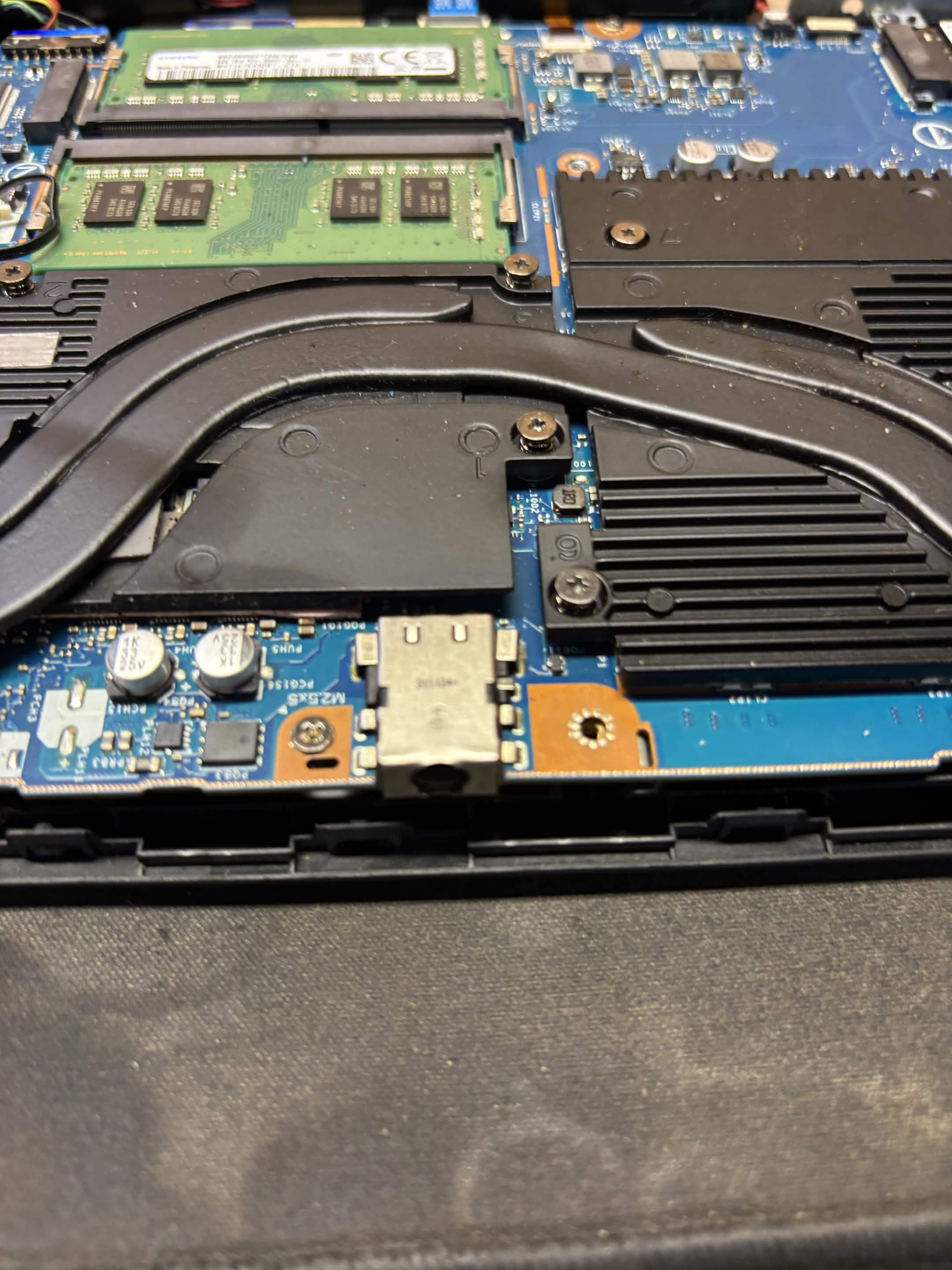
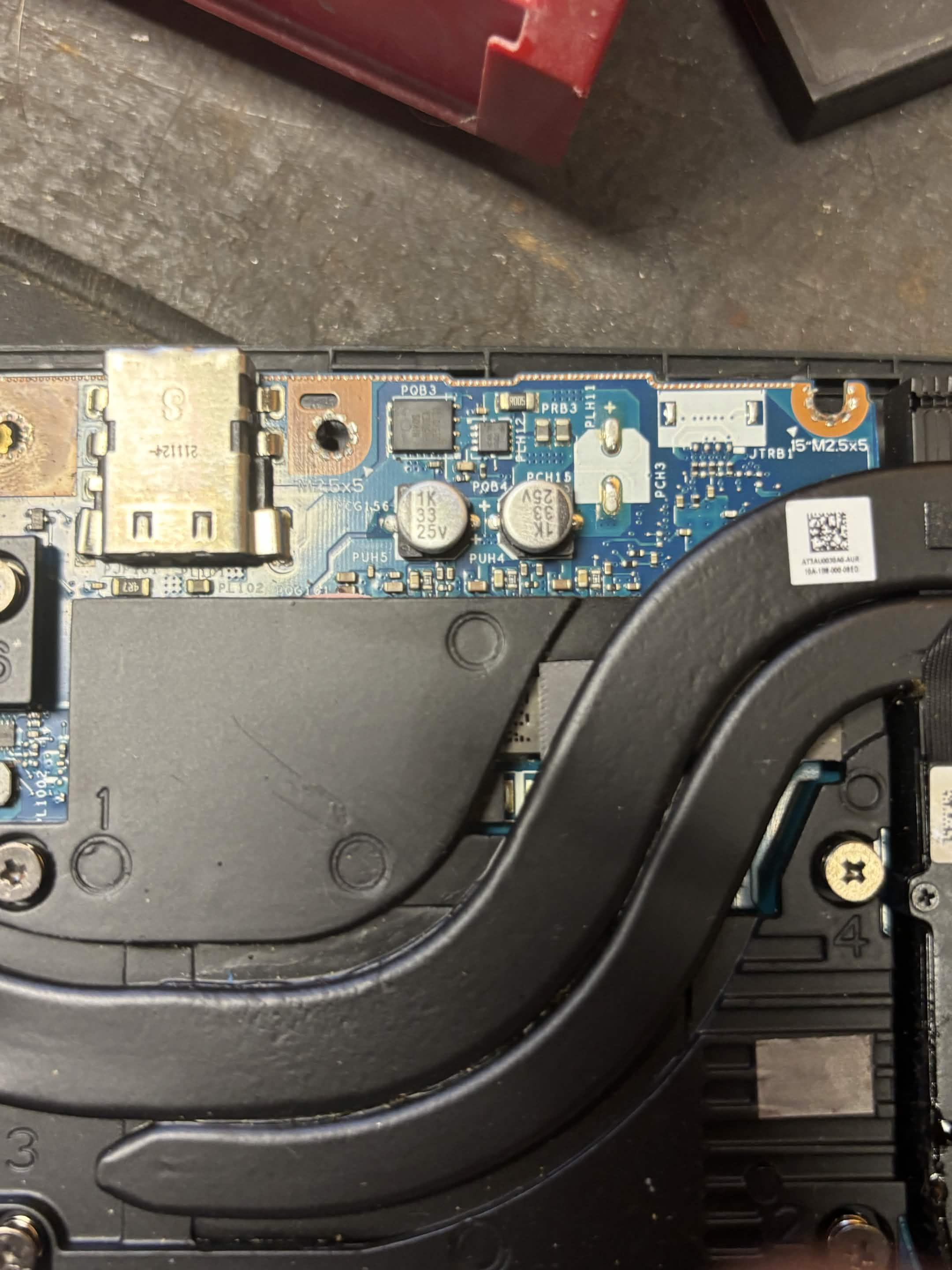
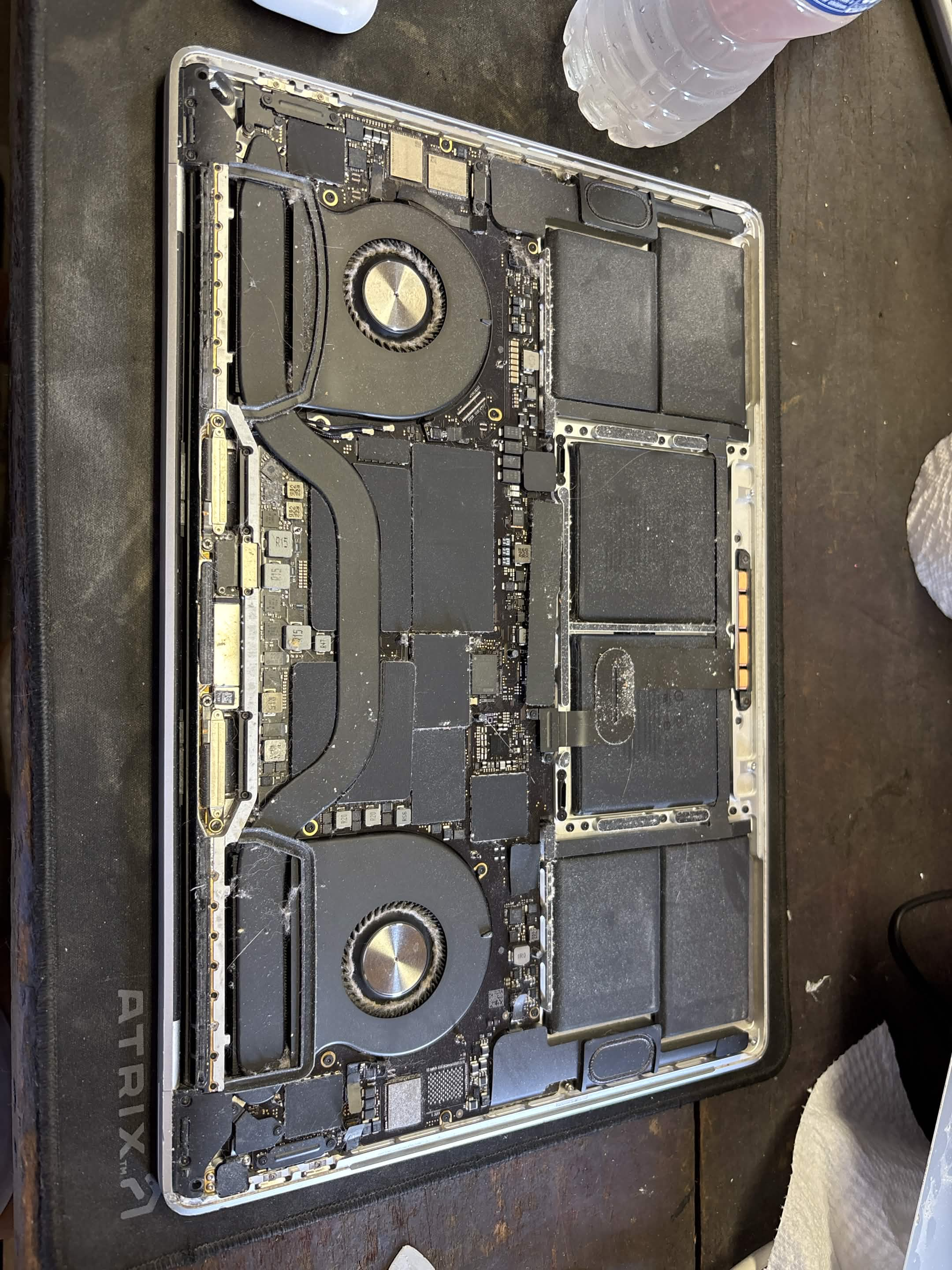
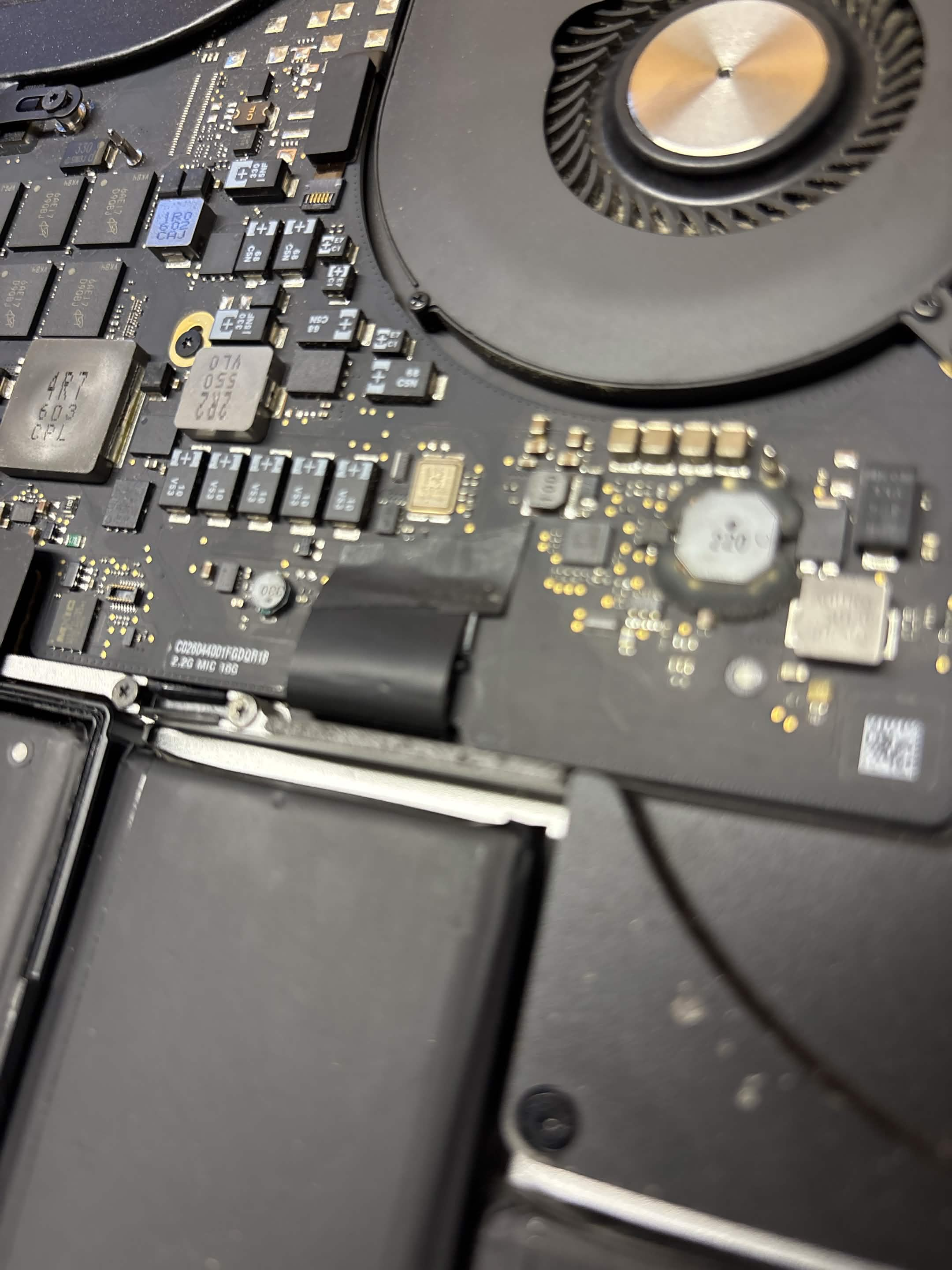
I started by testing the charger's output voltage with a multimeter and confirmed that the charger was producing the proper voltage. I then opened and inspected the laptop and continued troubleshooting the DC-input and power circuitry.
The fault was traced into the laptop's motherboard/DC-in power circuitry. The relevant circuitry was soldered and board-level rather than a simple modular part that could be replaced.
I did not isolate or replace an individual failed motherboard component. Instead, I stopped at the appropriate point and advised the customer to use a board-level repair specialist for further diagnosis and repair.
This was a completed diagnostic service, not a completed repair. Knowing when a problem requires specialized board-level equipment and experience is an important part of responsible diagnostics.
1 / 17
Computer Software
Computer Software Cleanup & Optimization
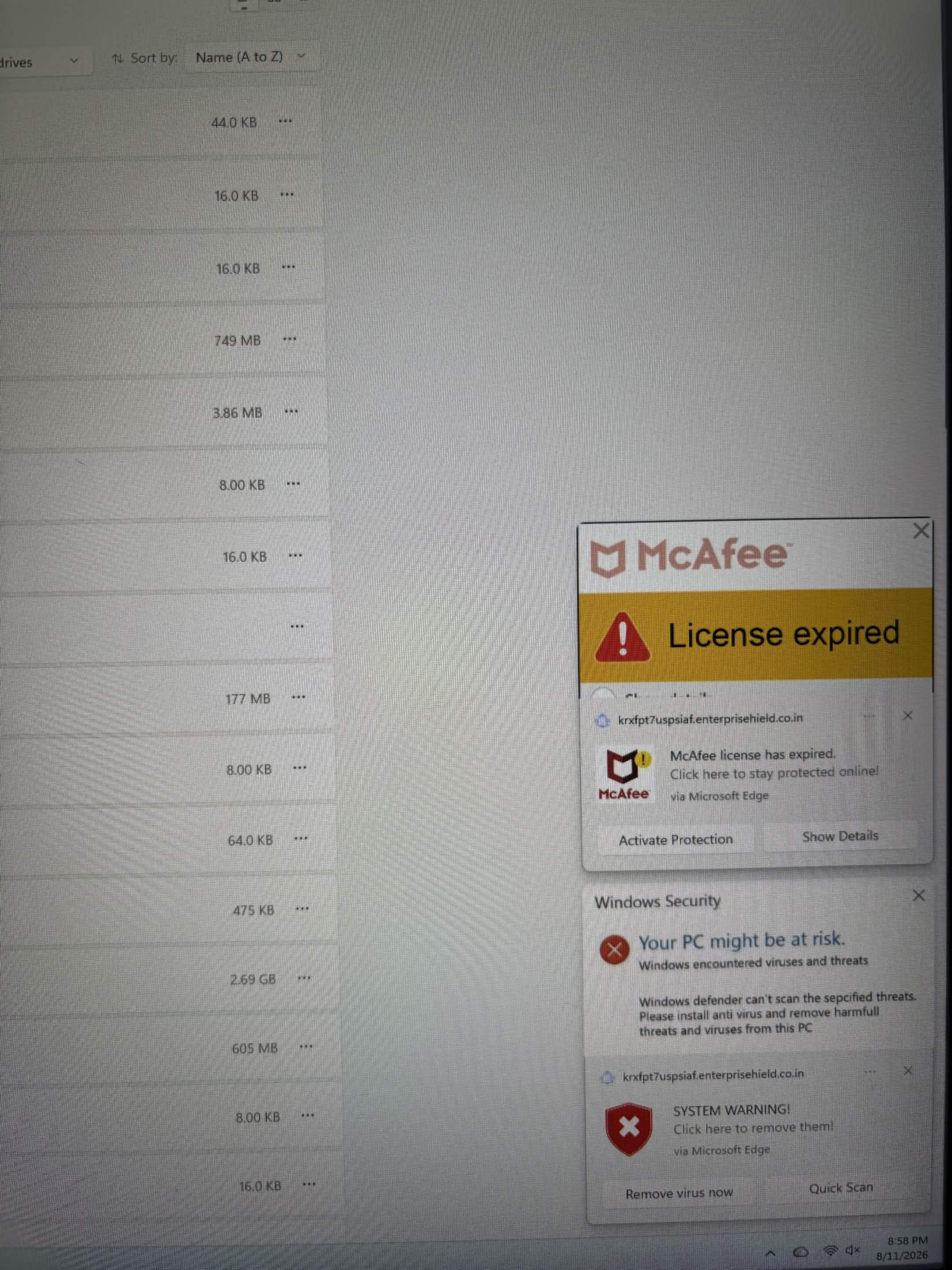
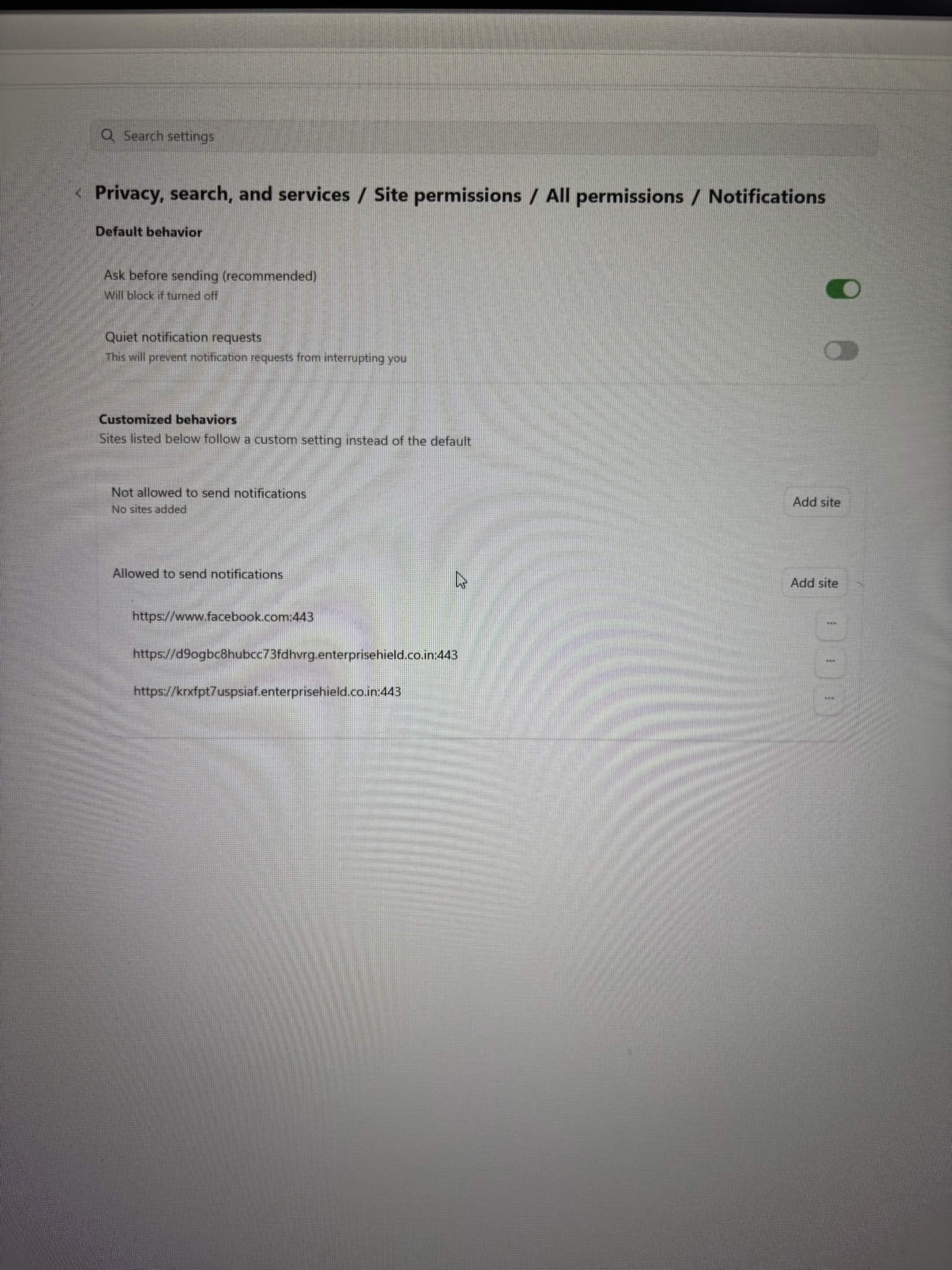
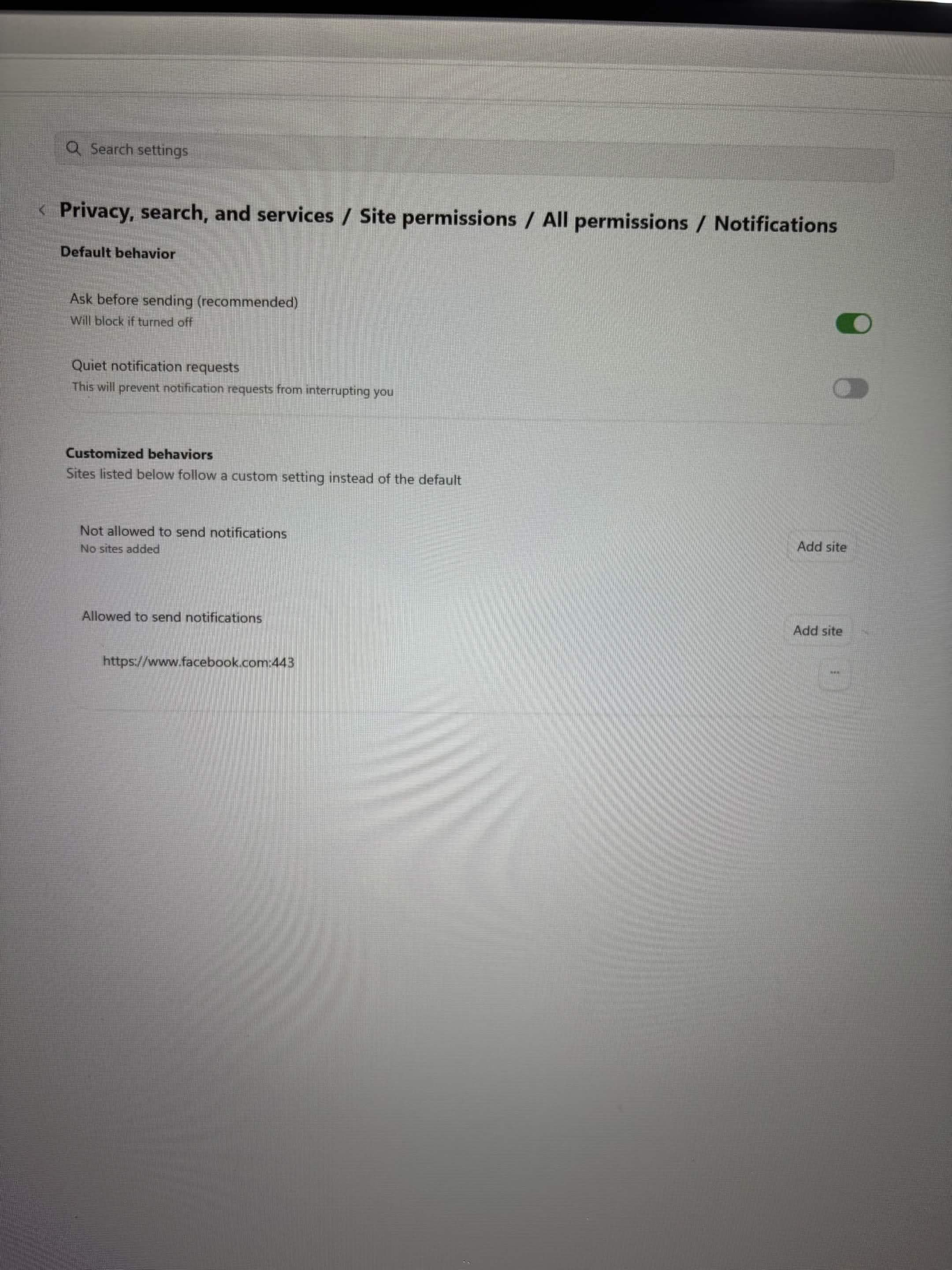
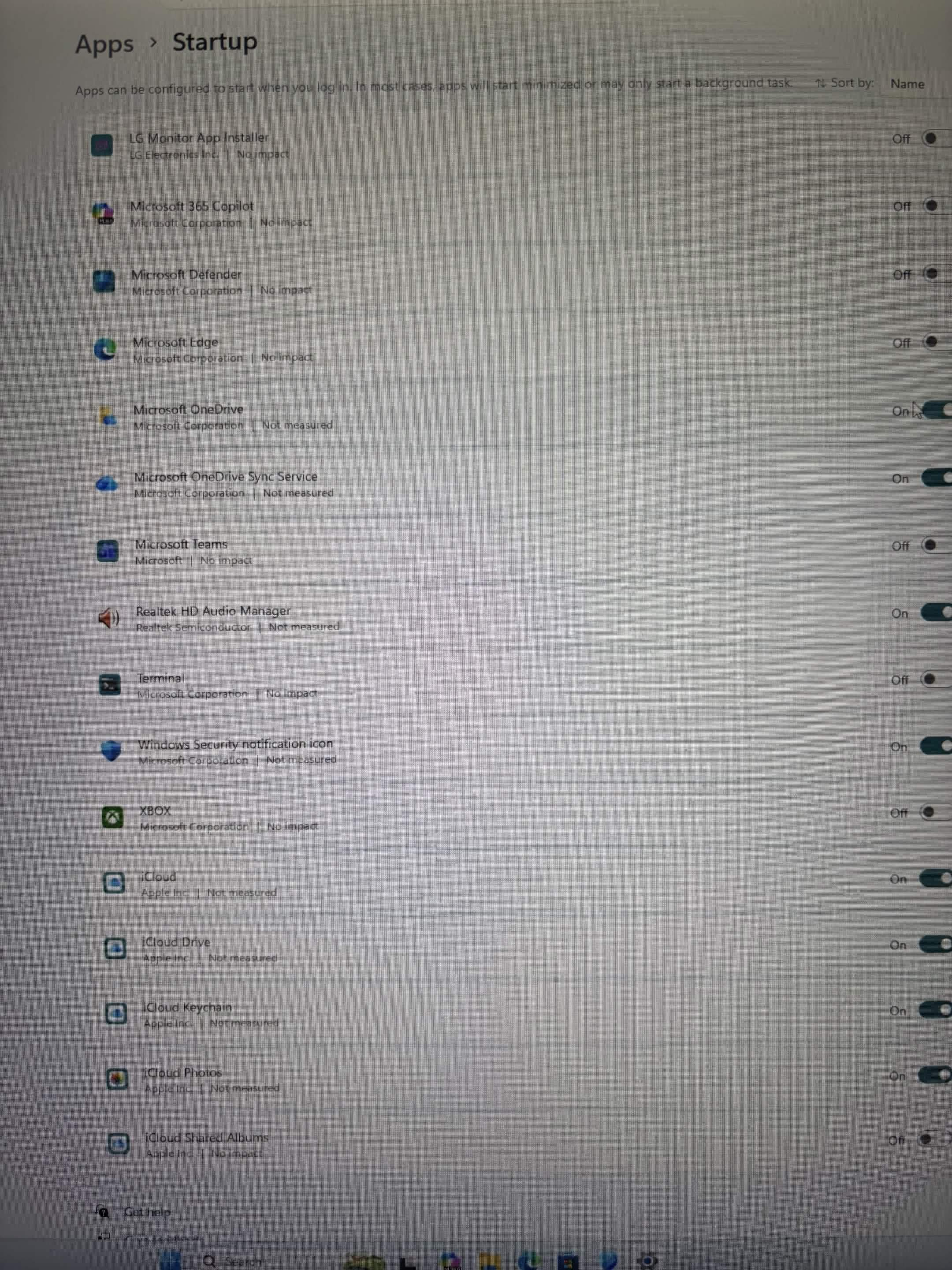
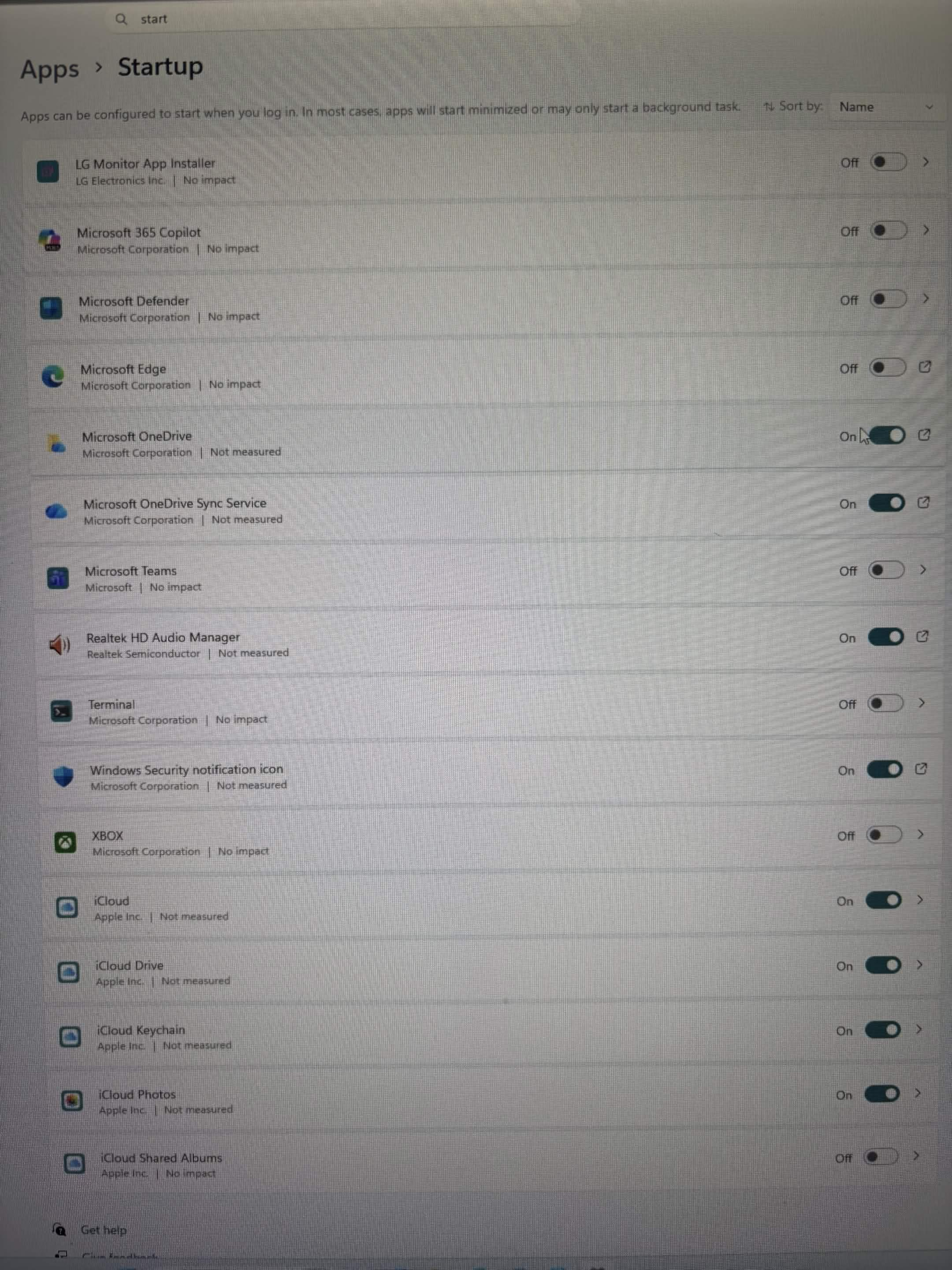
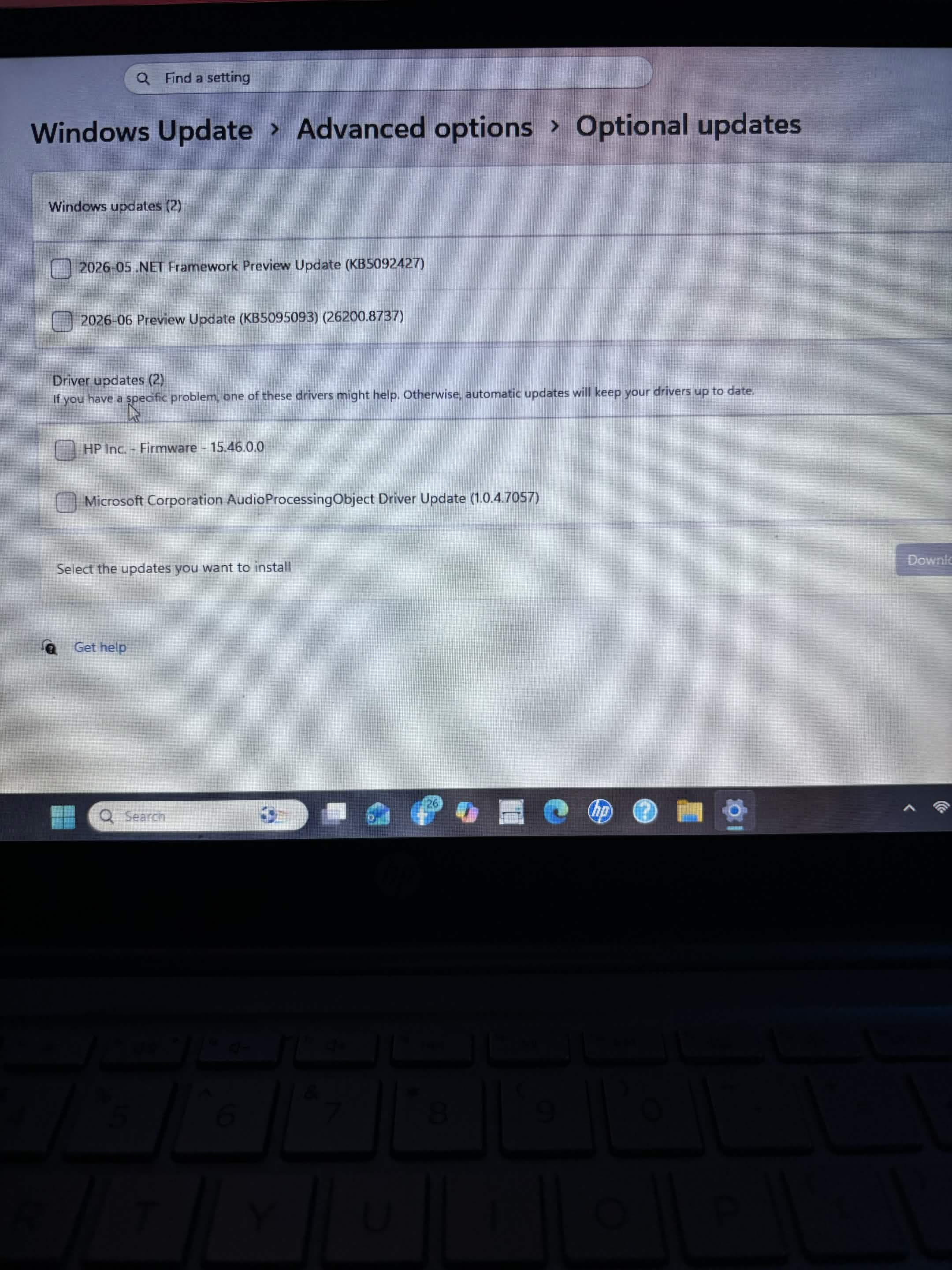
This computer came in with software and browser-related issues and needed general cleanup and optimization.
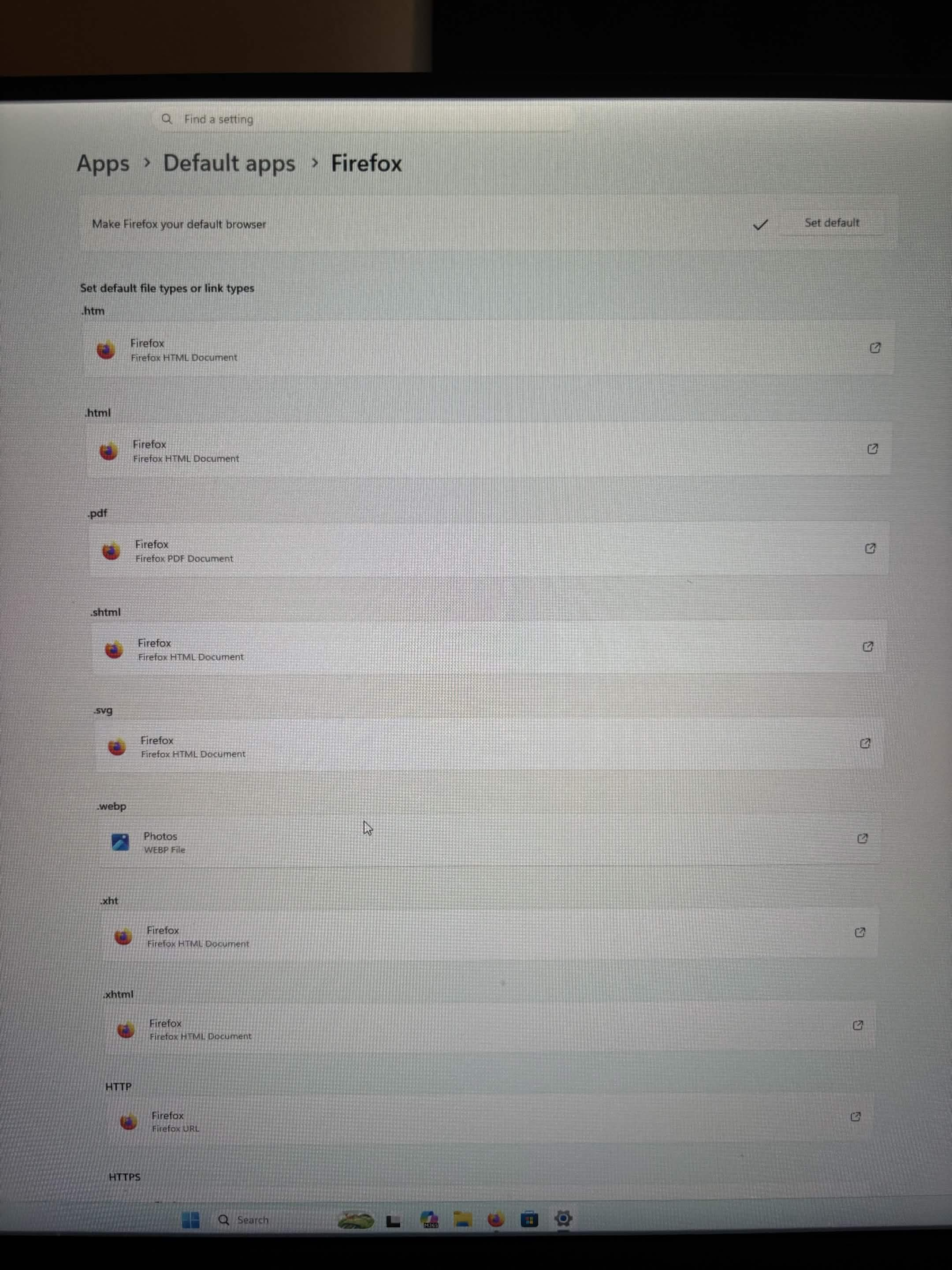
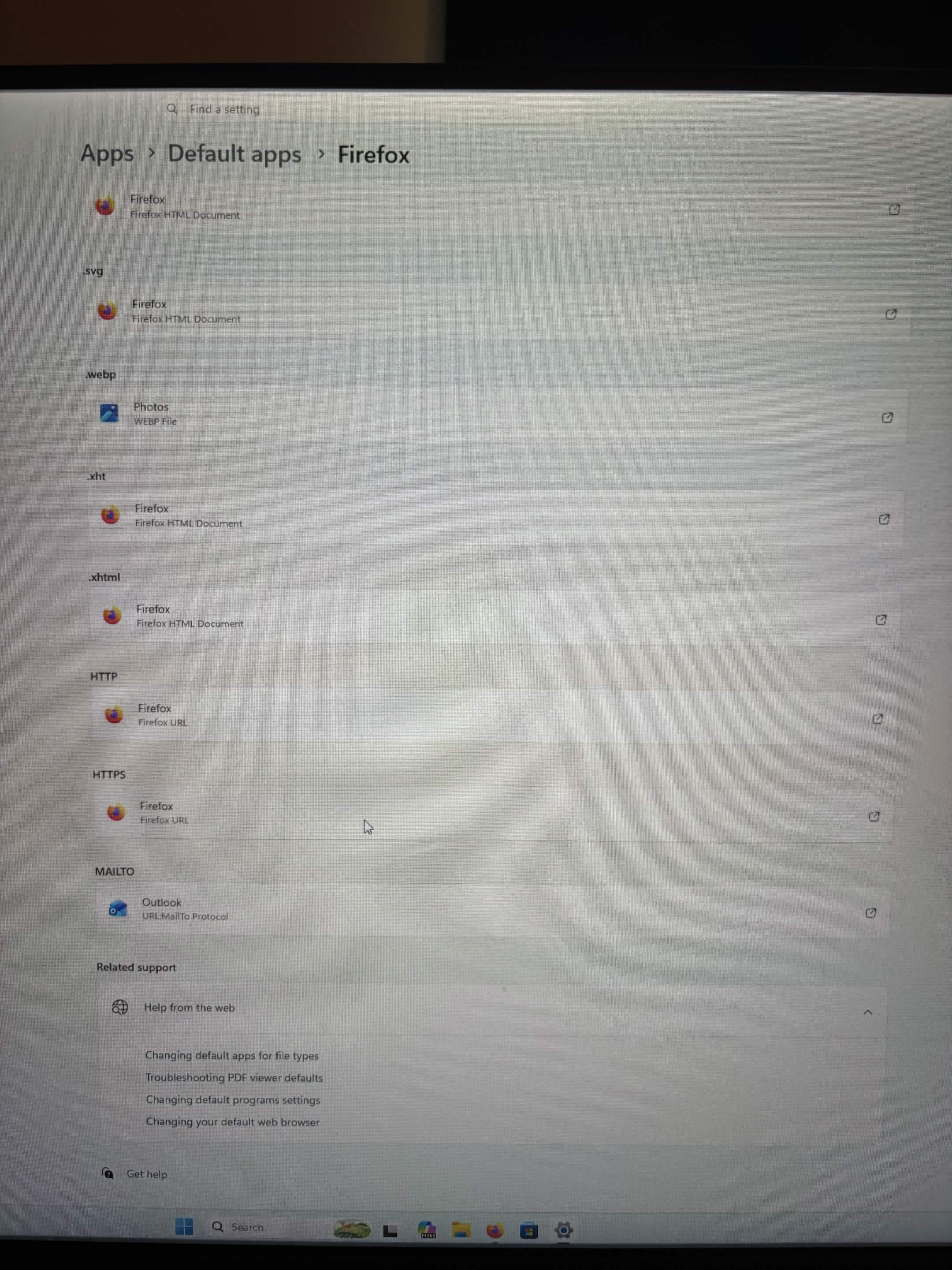
I cleaned up and optimized the system, addressed the browser/software issues, and installed Firefox for the customer as an alternative browser.
The computer was returned cleaned up and optimized with Firefox installed and ready for the customer.
Phone Software
On-Site Phone Scam Cleanup
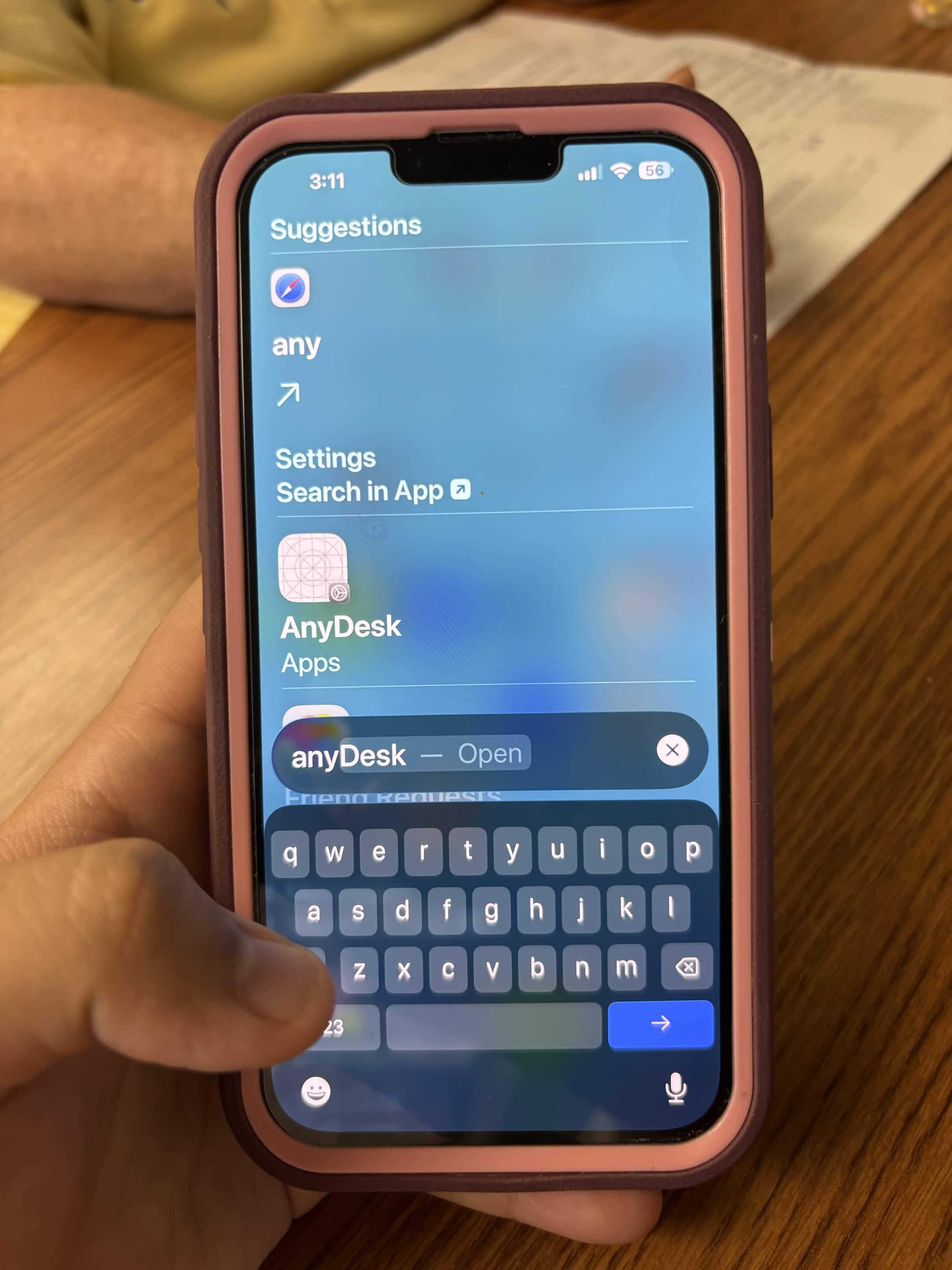
This on-site service call involved helping a customer after a phone scam/remote-access incident.
I addressed and removed the remote-access issue, performed software/security cleanup, changed passwords, updated the phone, and helped secure the device and associated accounts following the incident.
This was entirely a phone software and security service—no phone hardware repair was performed.
1 / 9
Computer Software
Computer Cleanup & Optimization
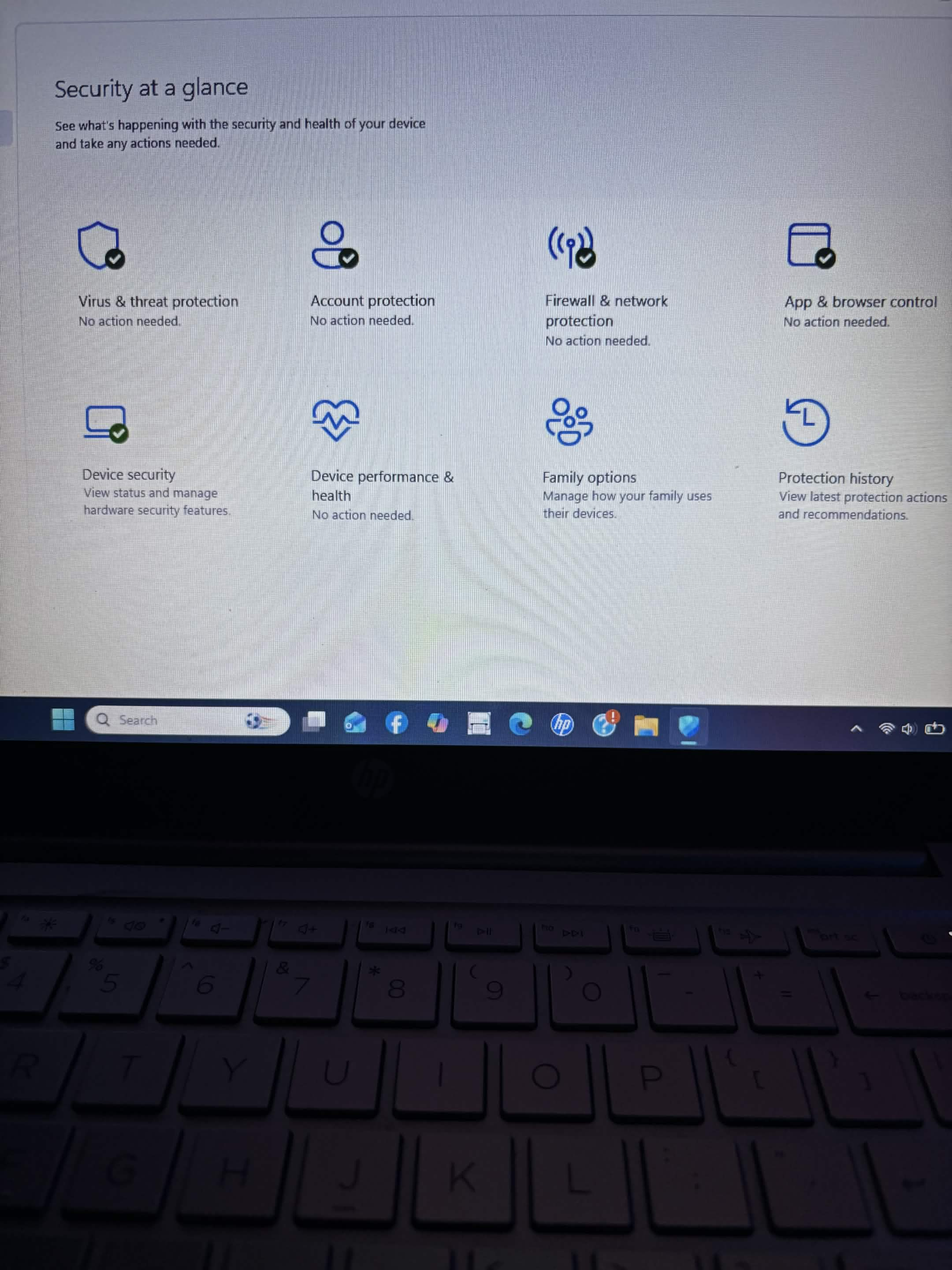
This computer came in needing general software cleanup and optimization.
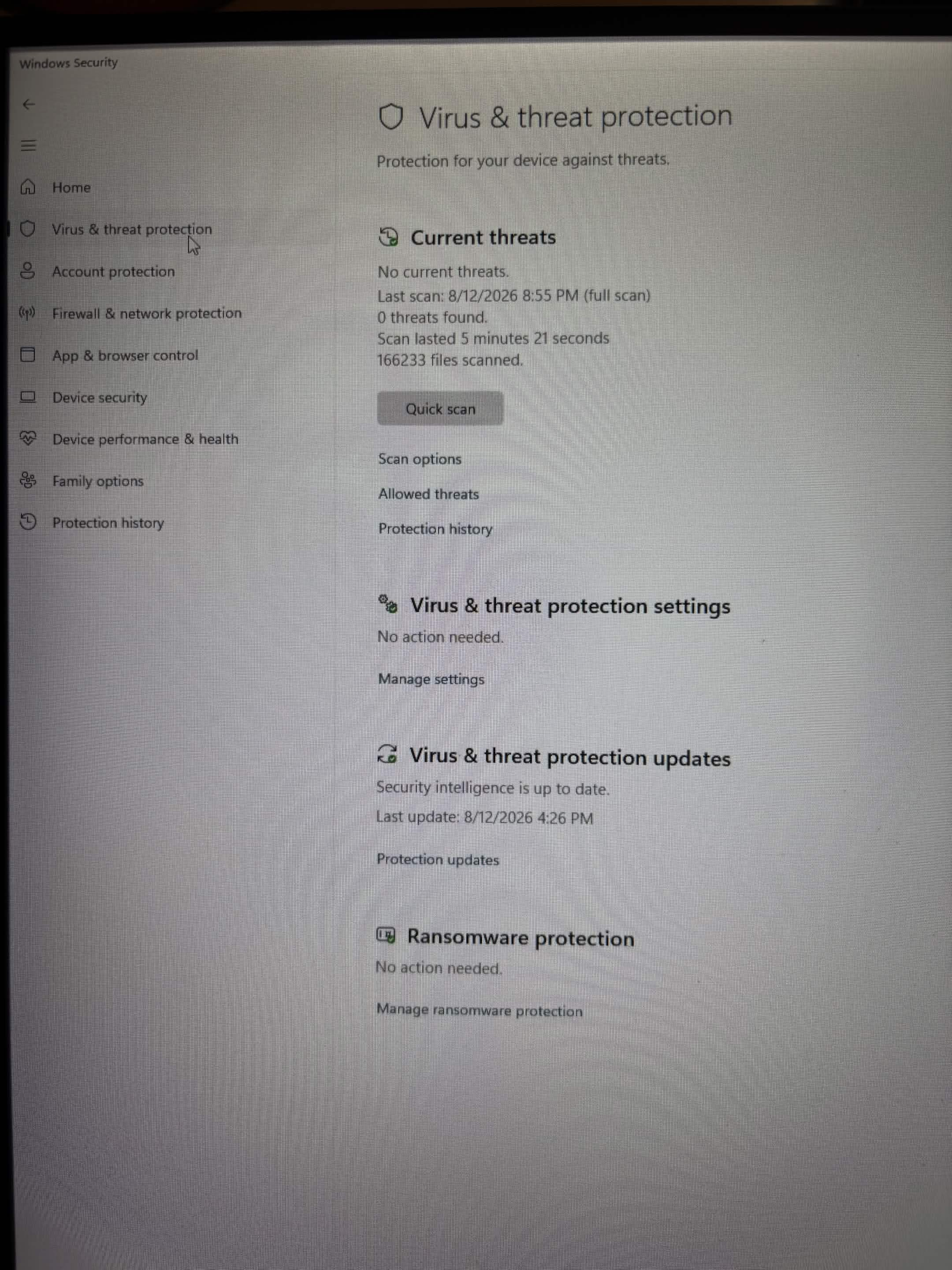
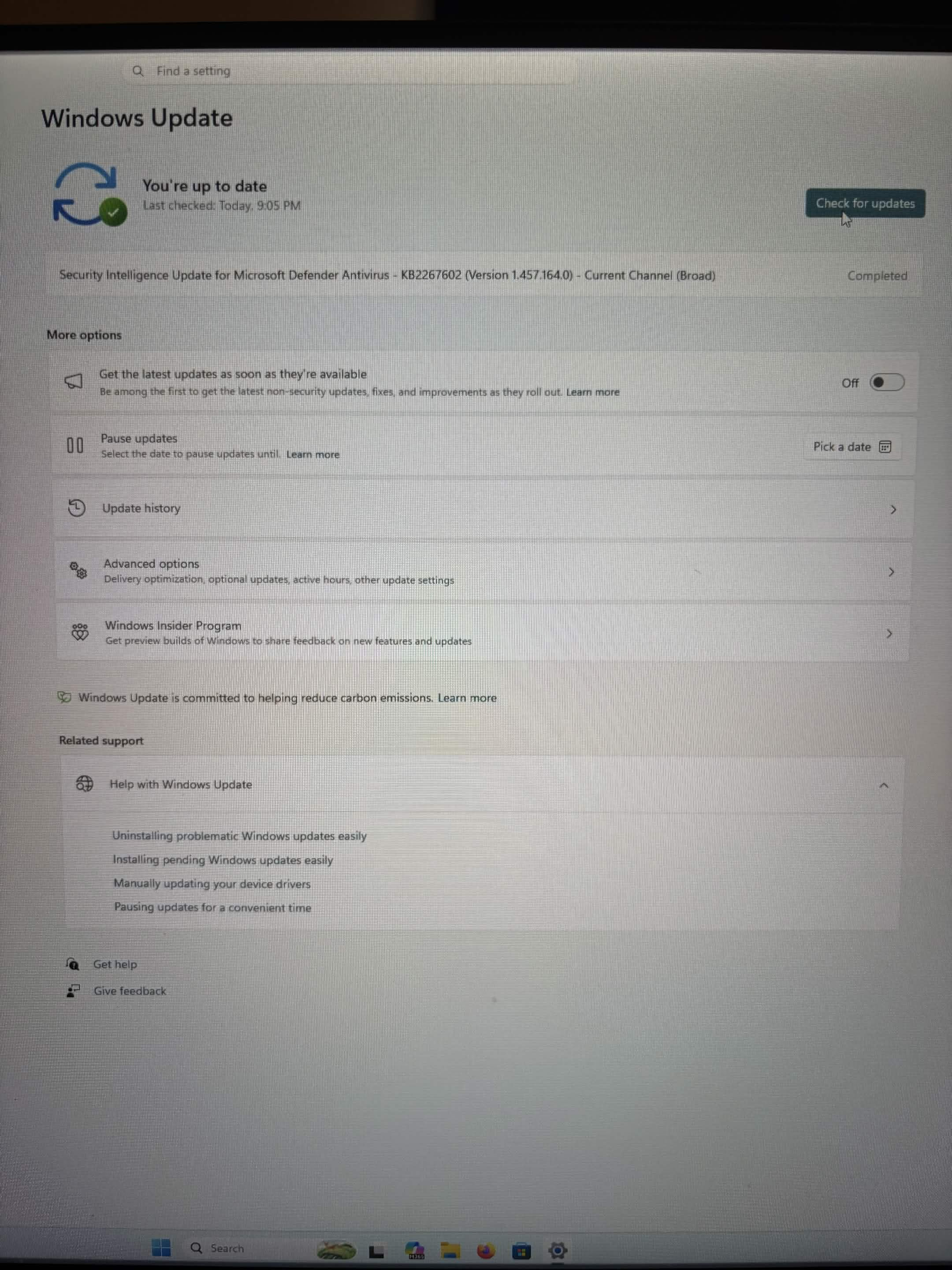
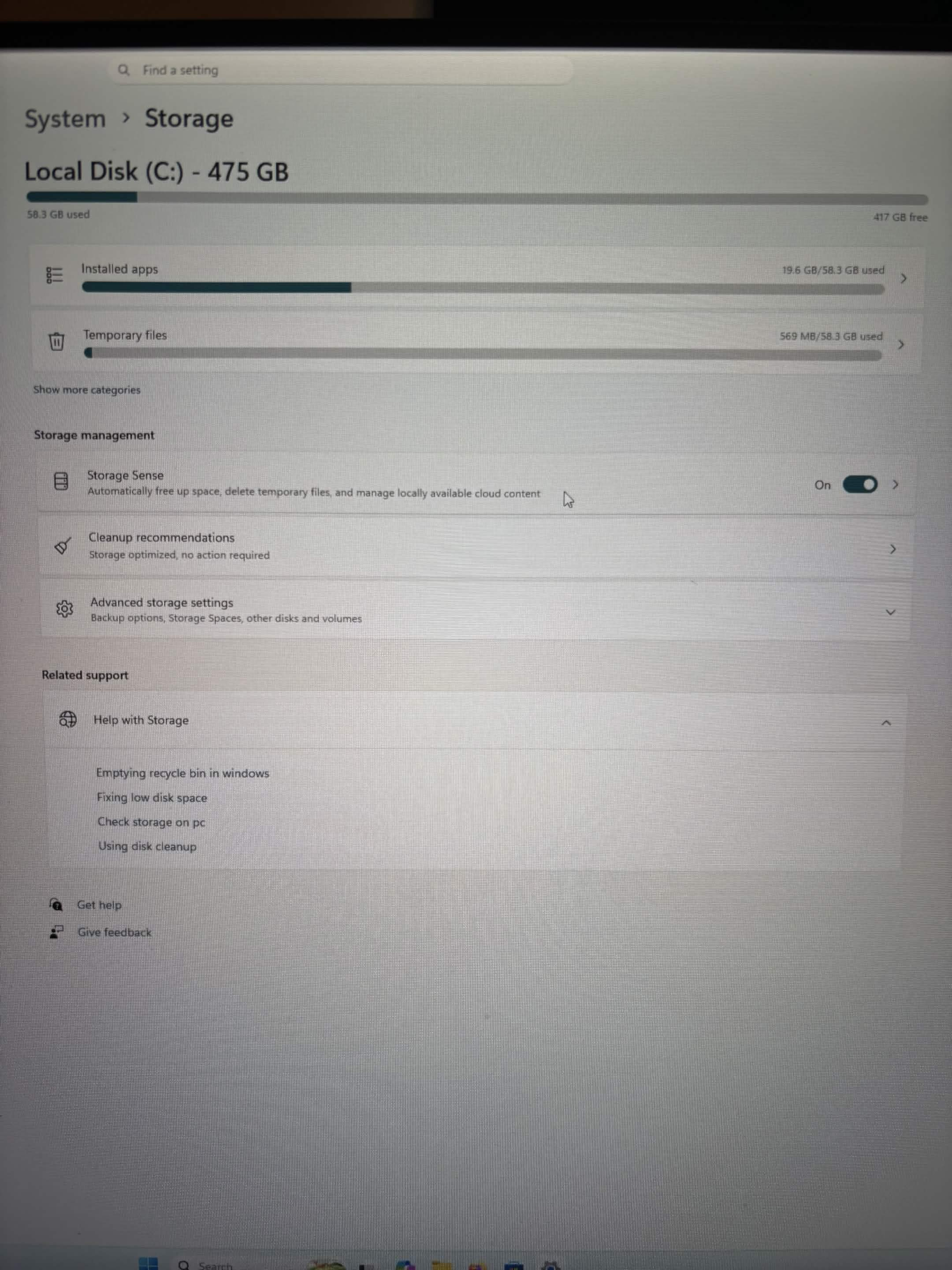
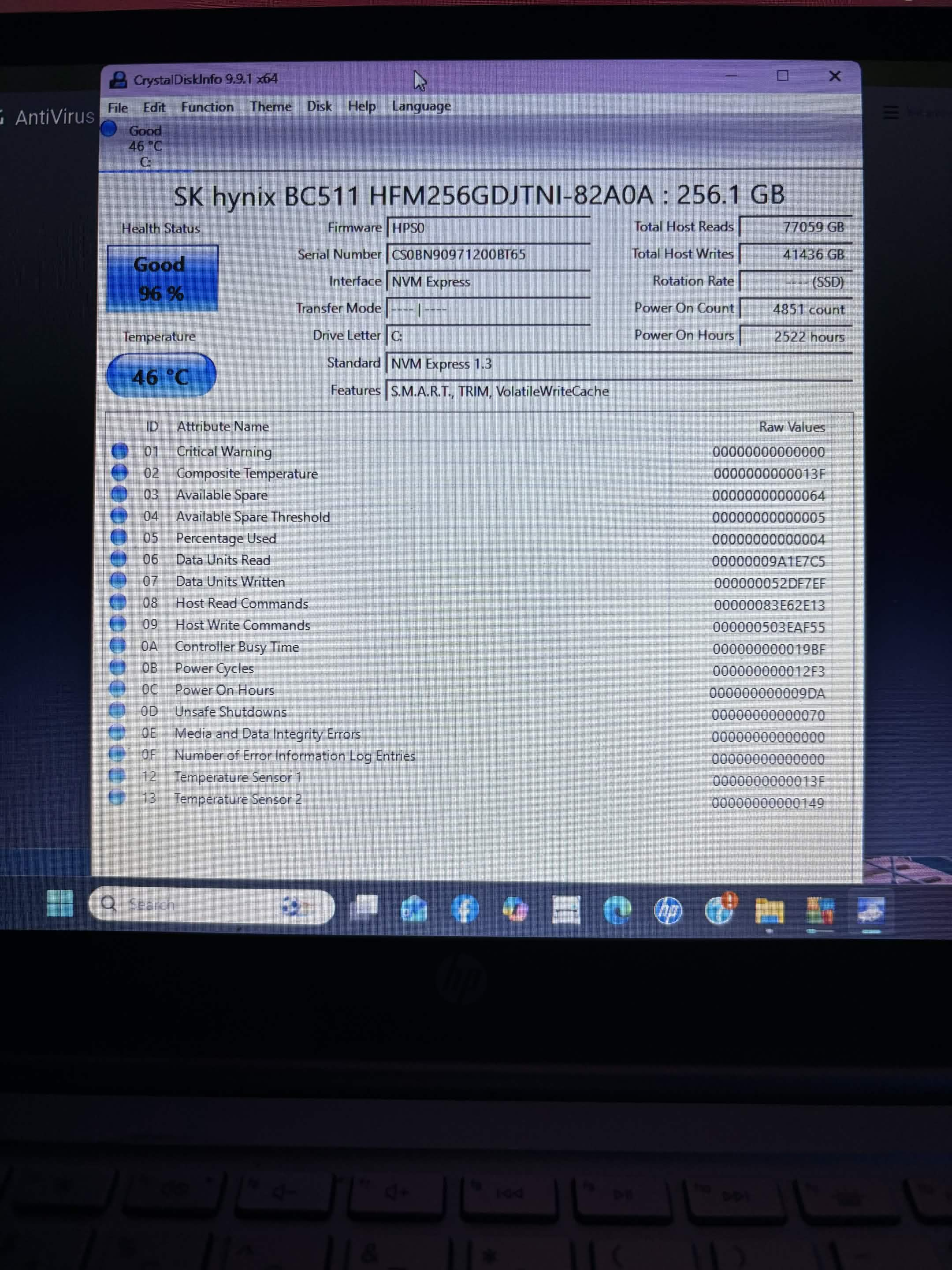
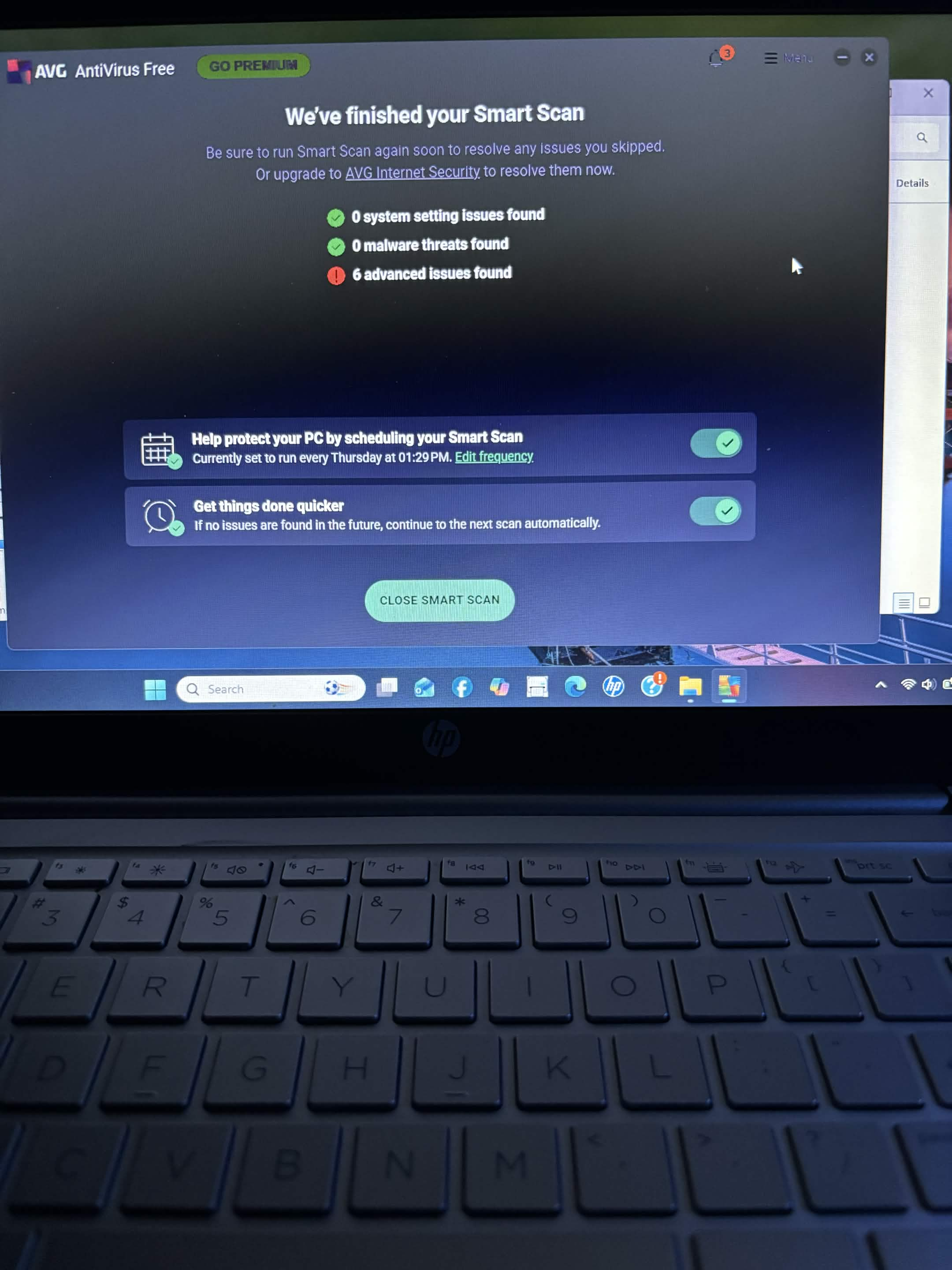
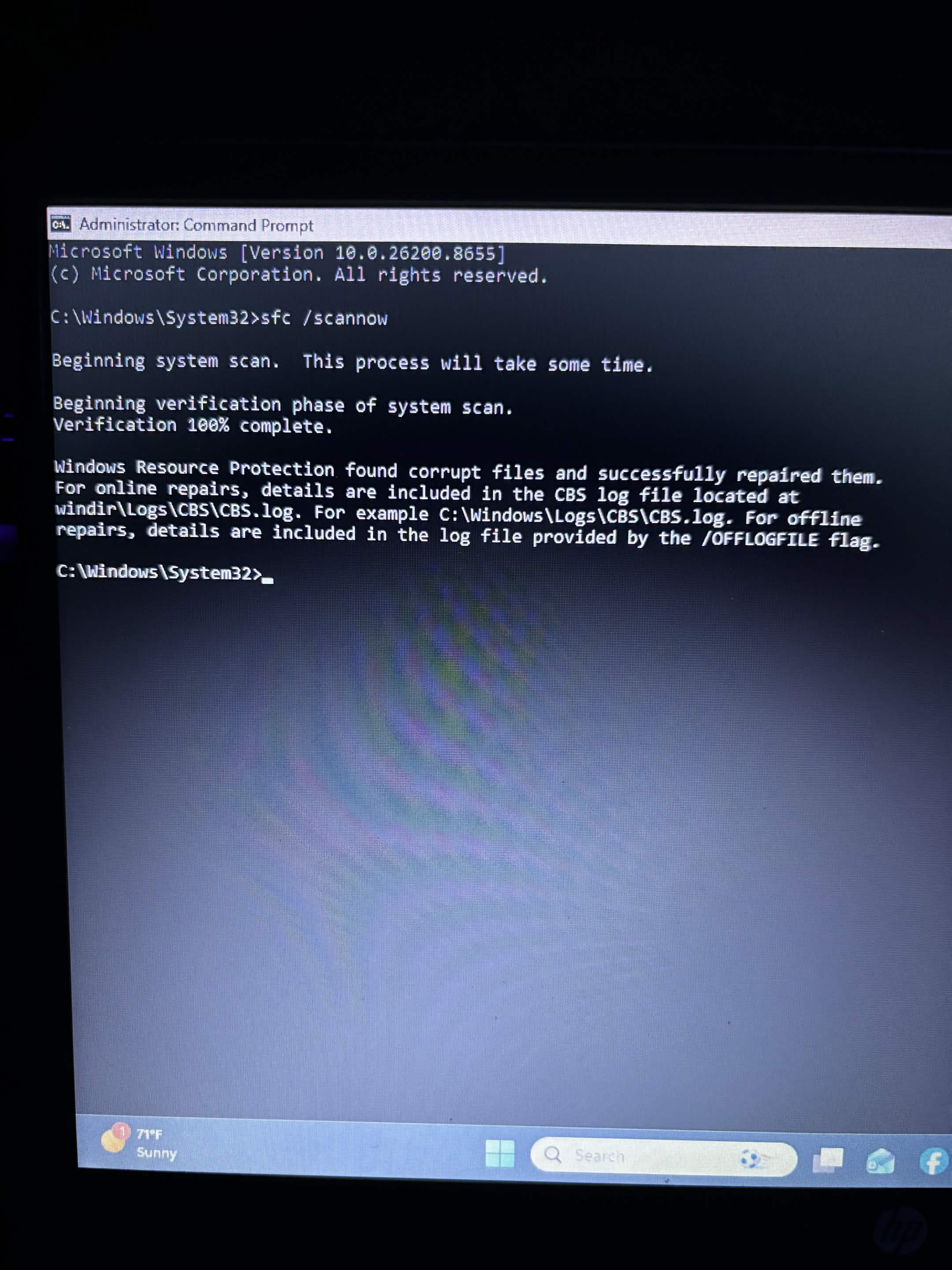
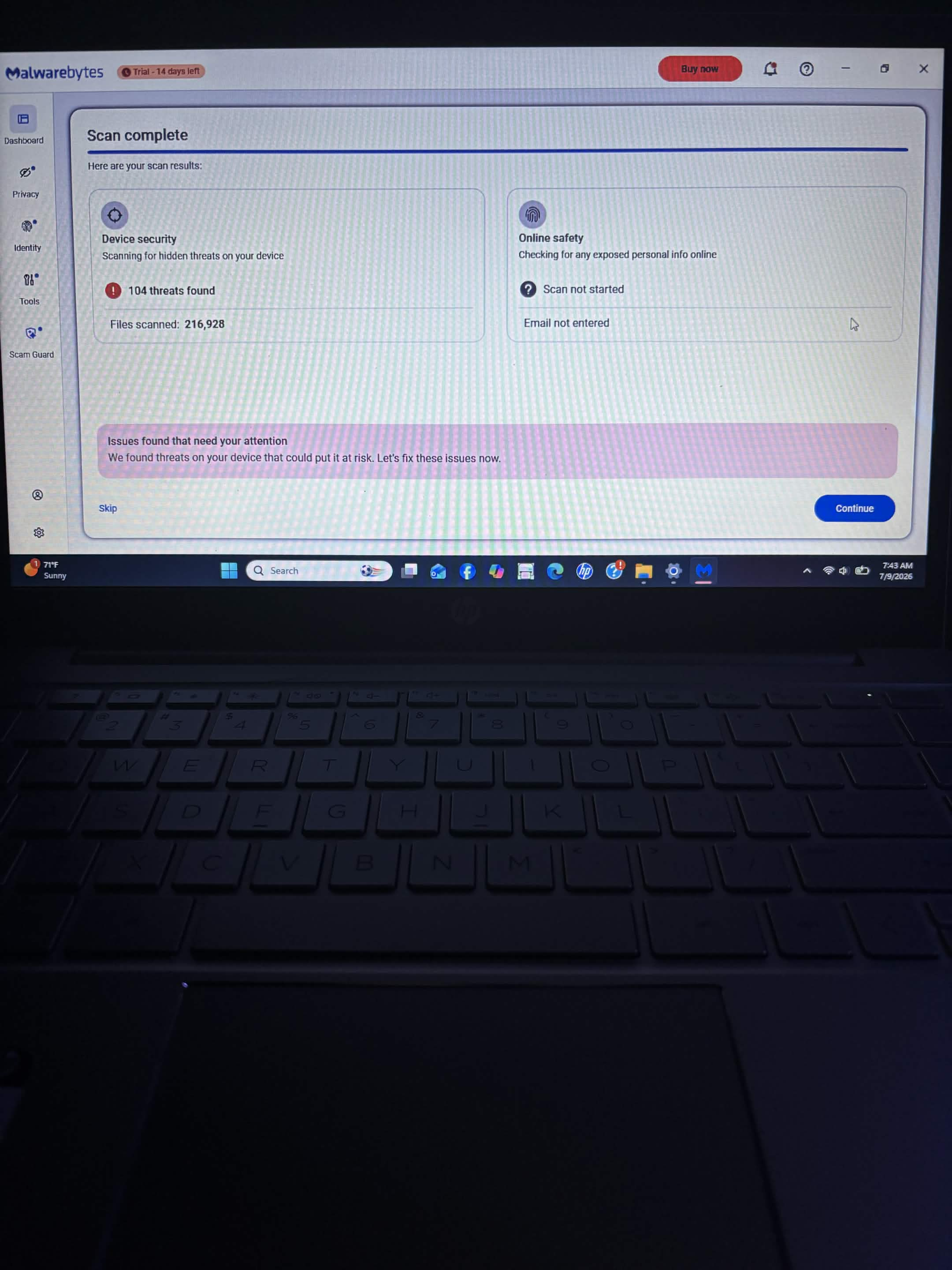
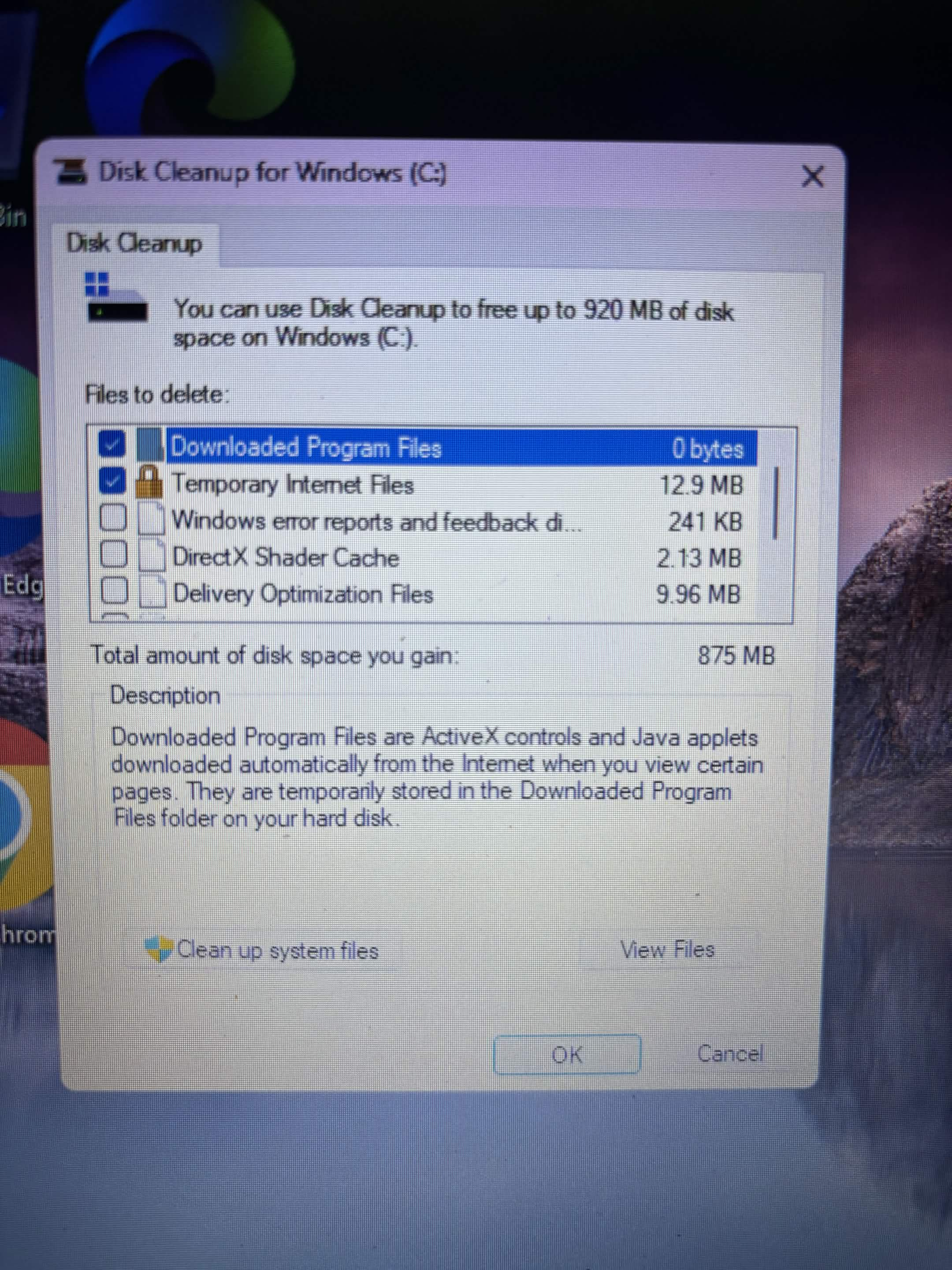
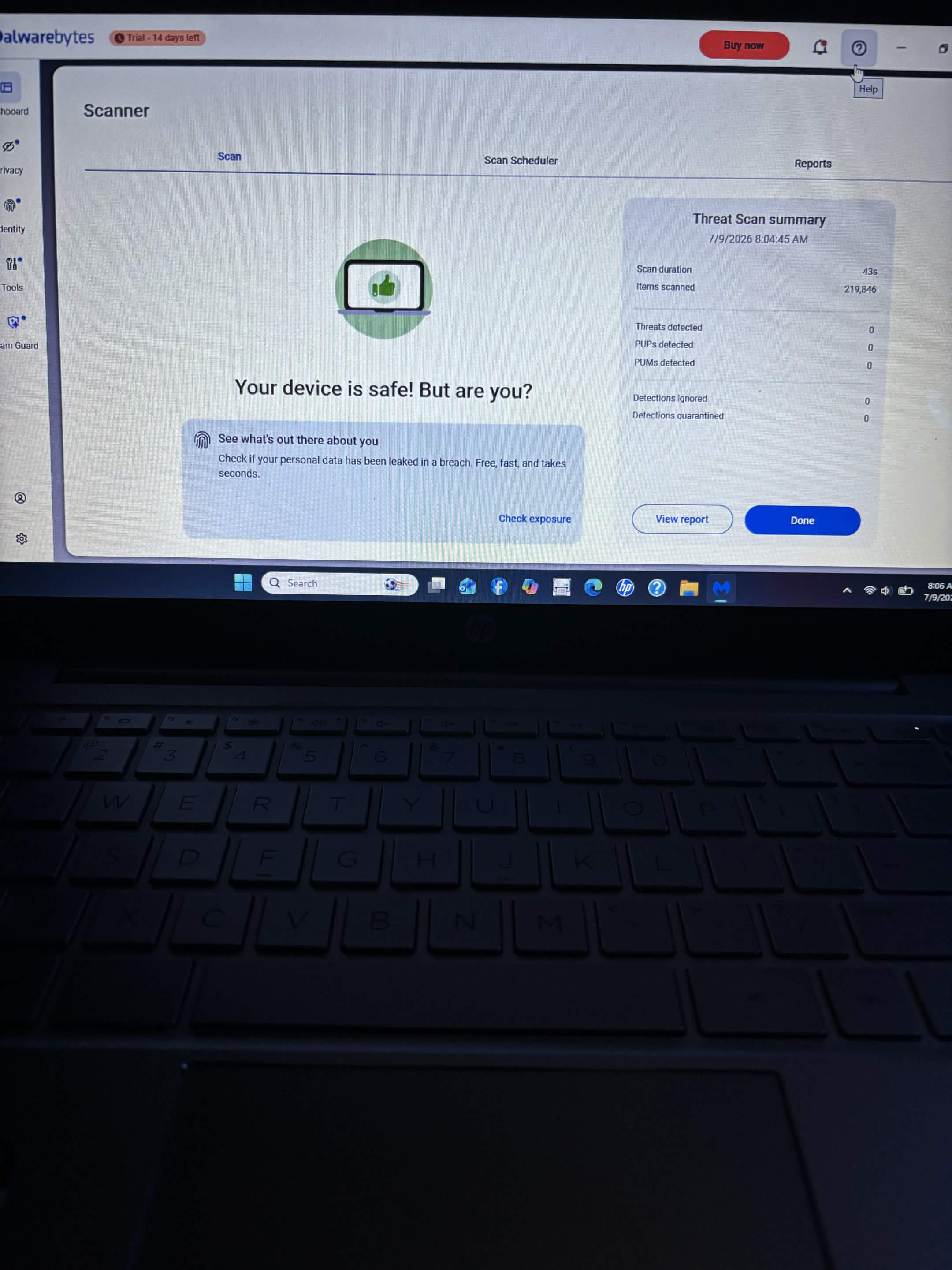
I performed system and software cleanup, optimization work, Windows Defender scanning, system-file checking with SFC, and Windows Disk Cleanup.
After the service was completed, the customer reported being happy with how much faster the computer was running.
Sometimes a thorough software cleanup is exactly what a computer needs to improve the everyday experience.
1 / 4
Data Services
Data Recovery & Windows 10 Reinstall
This computer came in with corrupted/data-related problems that required recovery work and an operating-system reinstall.
I worked to recover the accessible customer data using DMDE as part of the recovery process. Afterward, I performed a Windows 10 reinstall.
The accessible data was recovered and Windows 10 was reinstalled, getting the computer back to a usable operating-system environment.
1 / 4
Computer Software
Computer Scam Cleanup & Windows Reinstall
This computer came in following a scam/remote-access situation.
I addressed the remote-access situation, performed cleanup work, backed up the customer's important data, and reinstalled Windows.
The computer received a clean Windows installation after the important customer data was backed up.
When dealing with scam and remote-access incidents, protecting the customer's privacy and personal information is always a priority.
1 / 6
Computer Software
Intermittent Black-Screen Repair
This computer was experiencing intermittent black-screen problems.
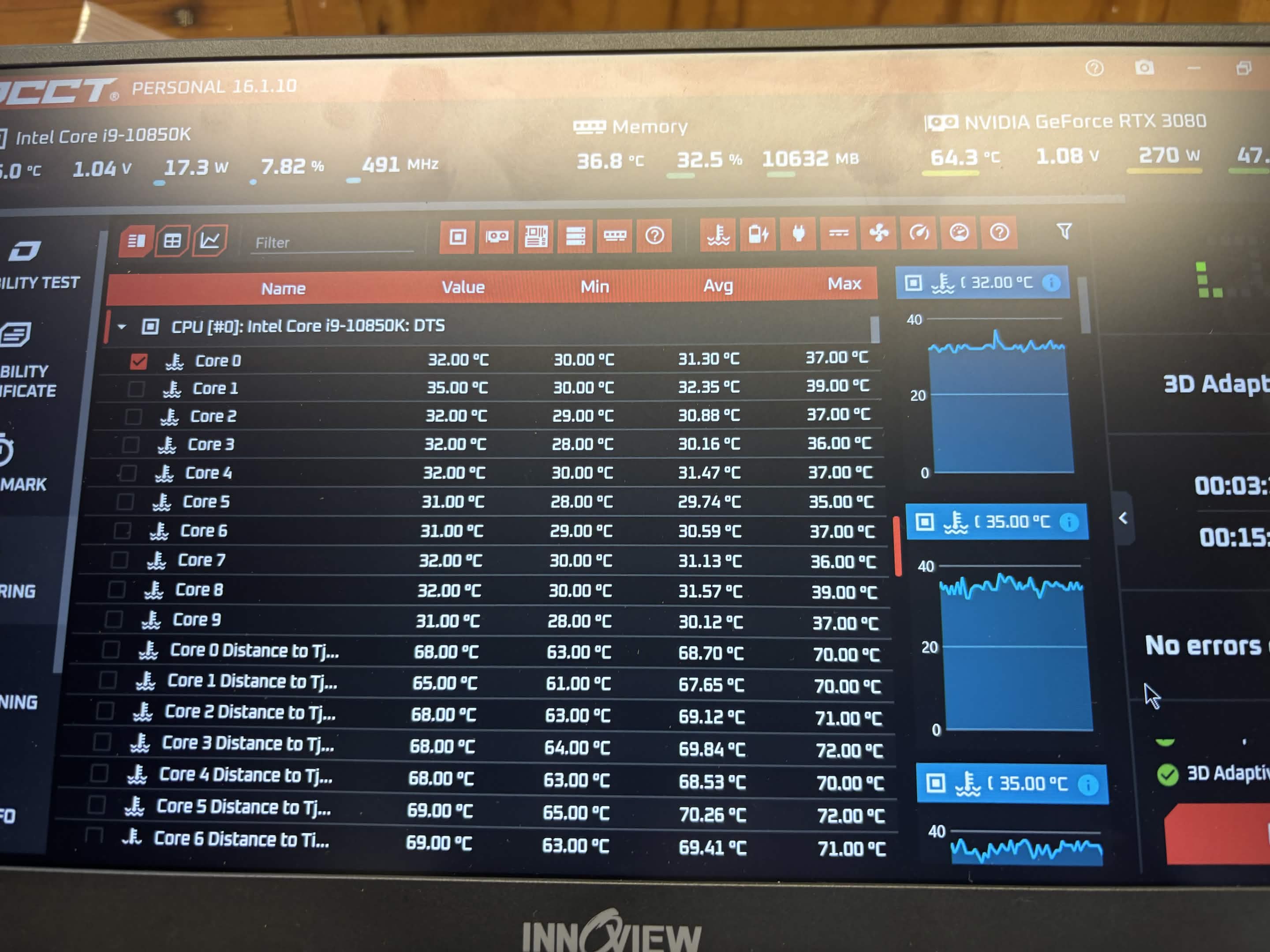
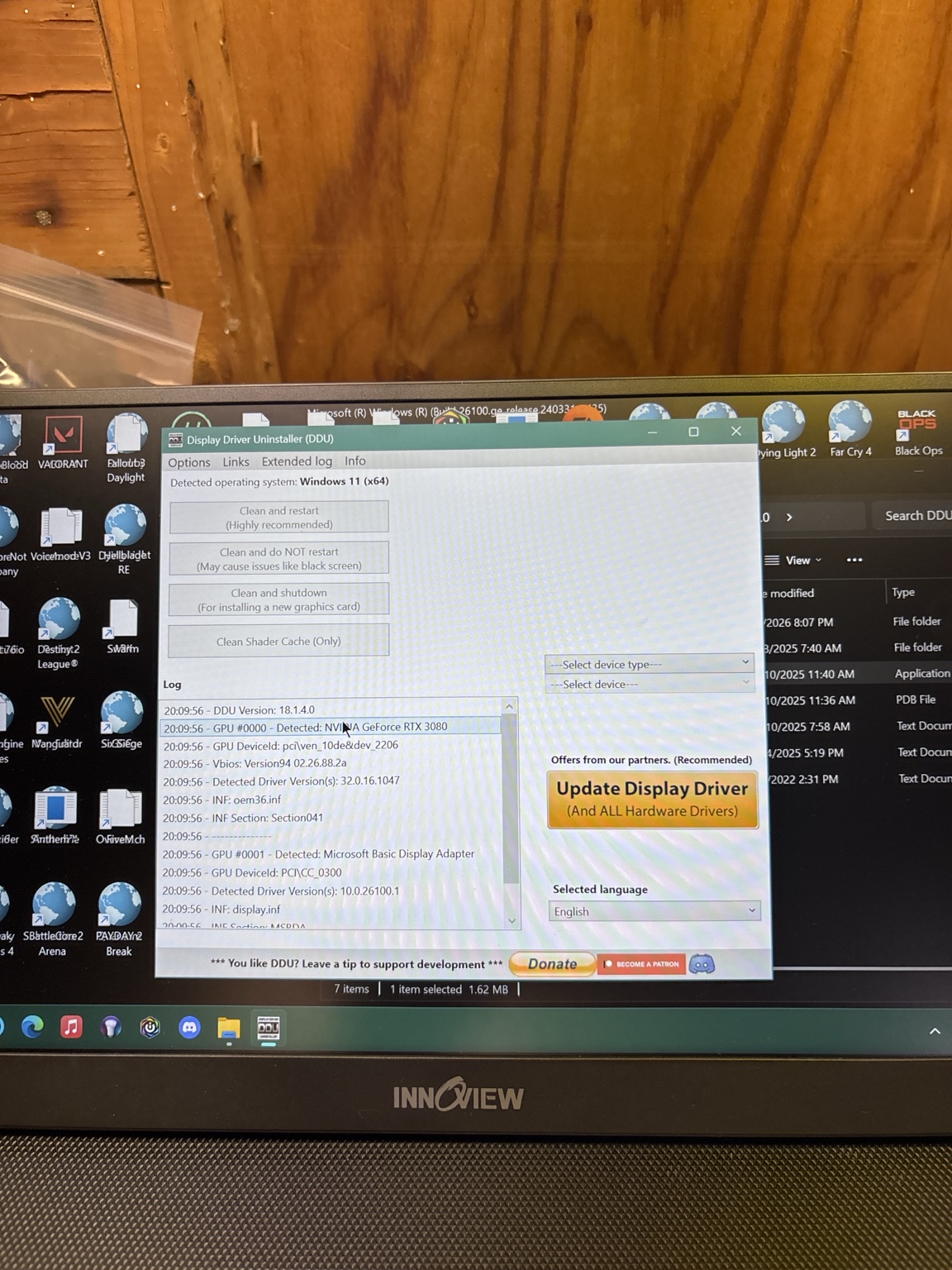
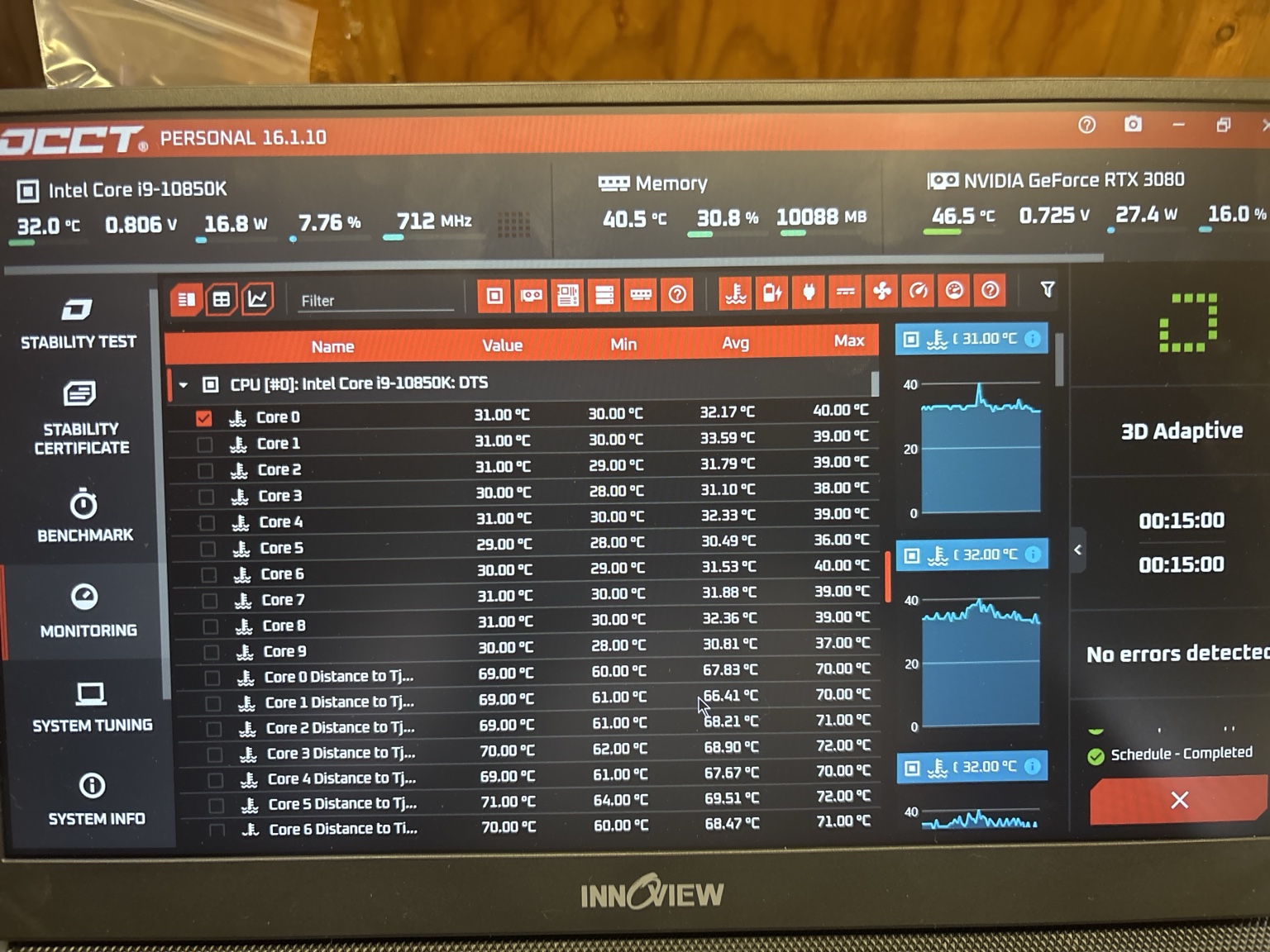
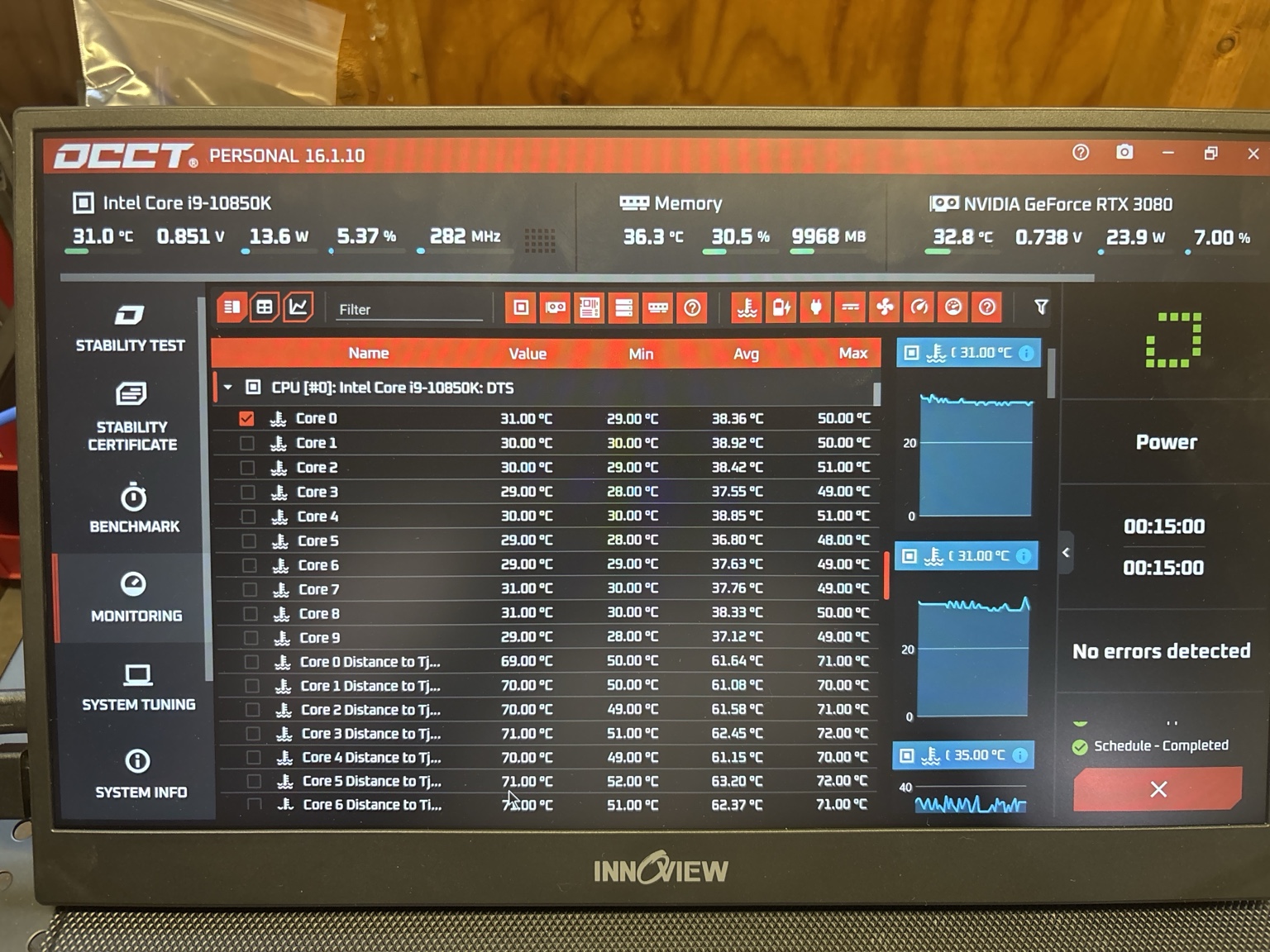
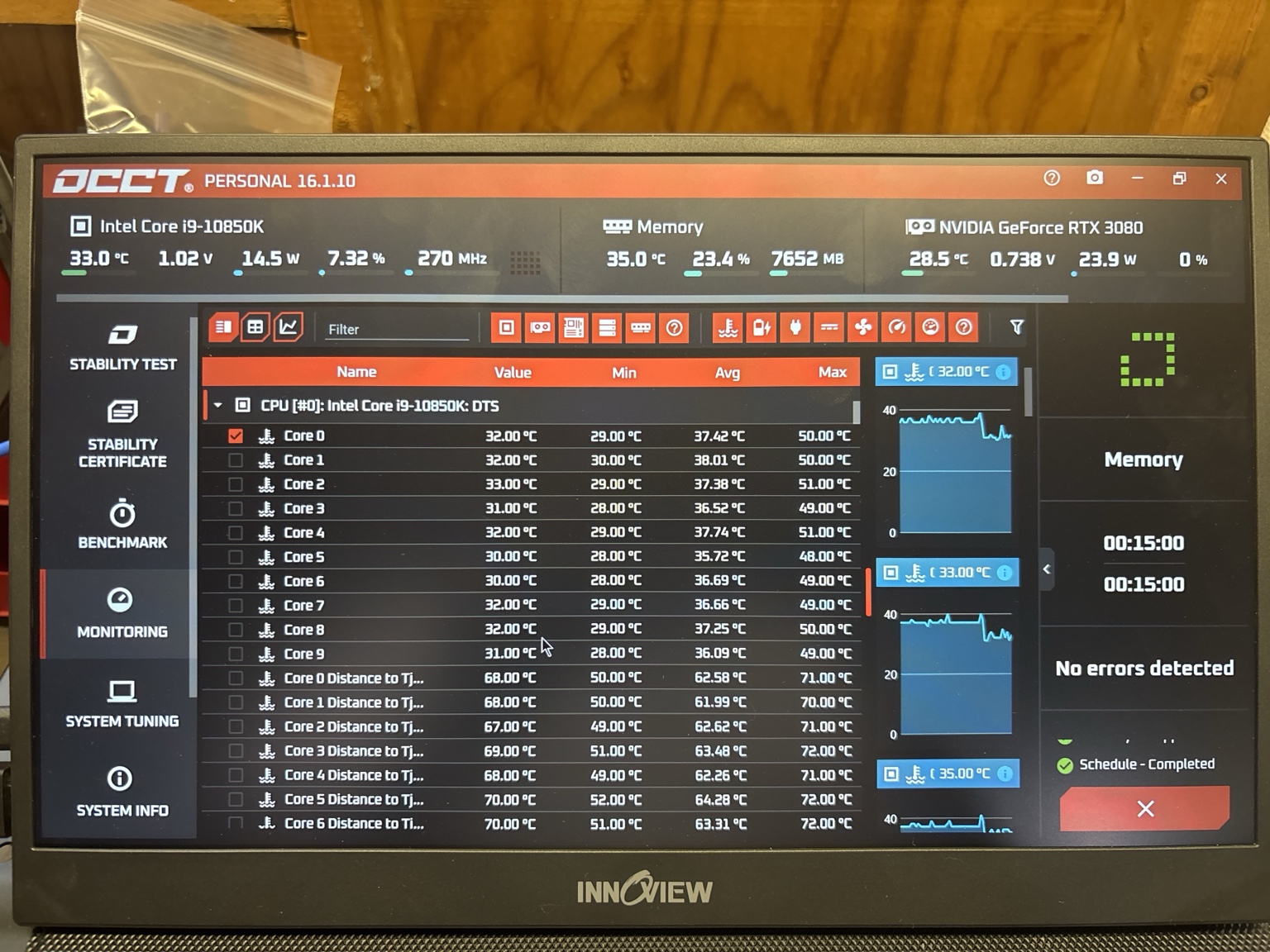
I diagnosed the issue as driver/software related and worked through the system's drivers and software. DDU was used as part of the driver work, along with OCCT during testing.
After correcting the driver/software issue, the intermittent black-screen problem was resolved.
Problems that look like failing hardware can sometimes originate in software, which is why diagnosis comes before replacing parts.
1 / 2
Computer Software
Mac Corrupted macOS Reinstall
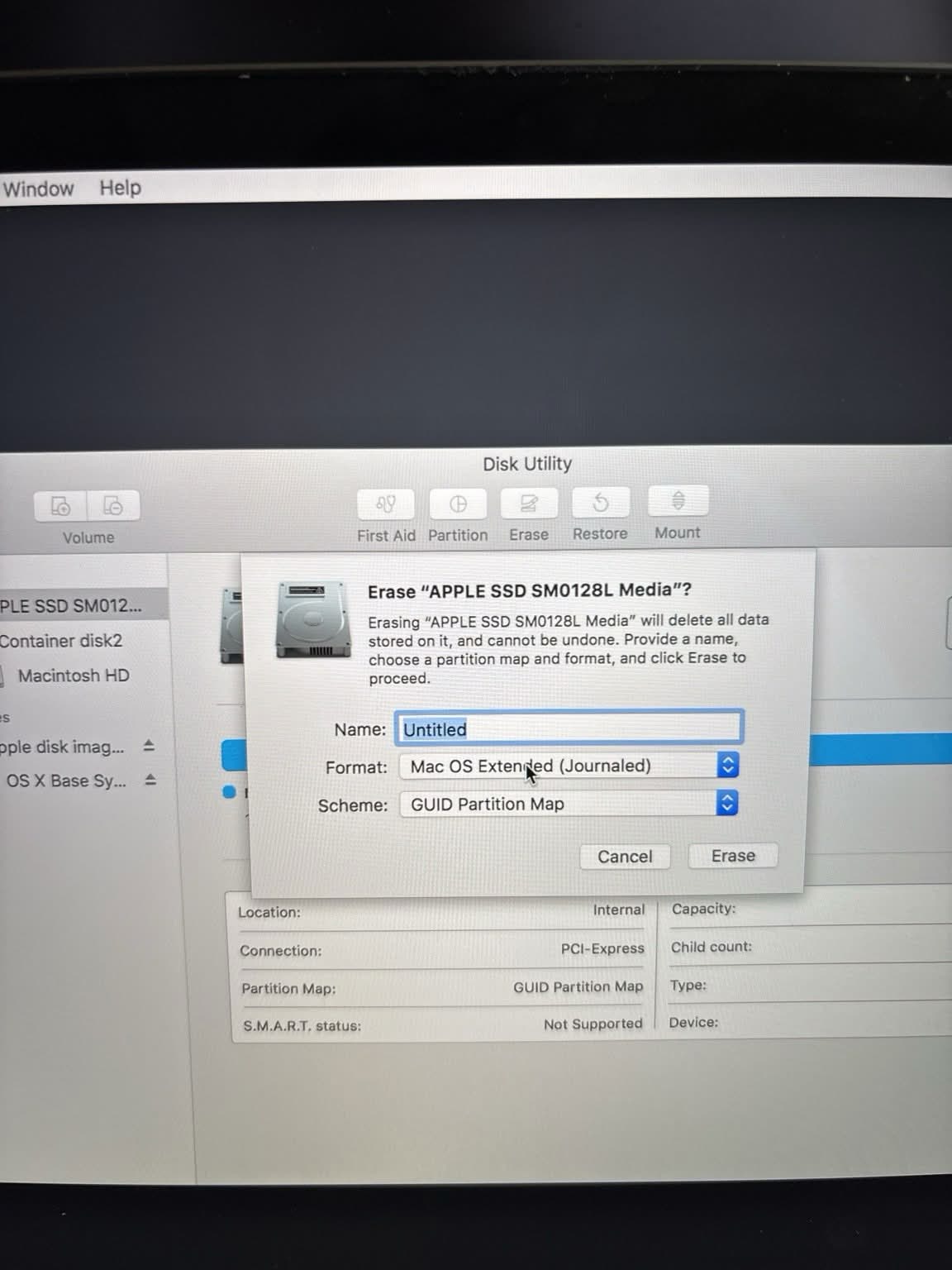
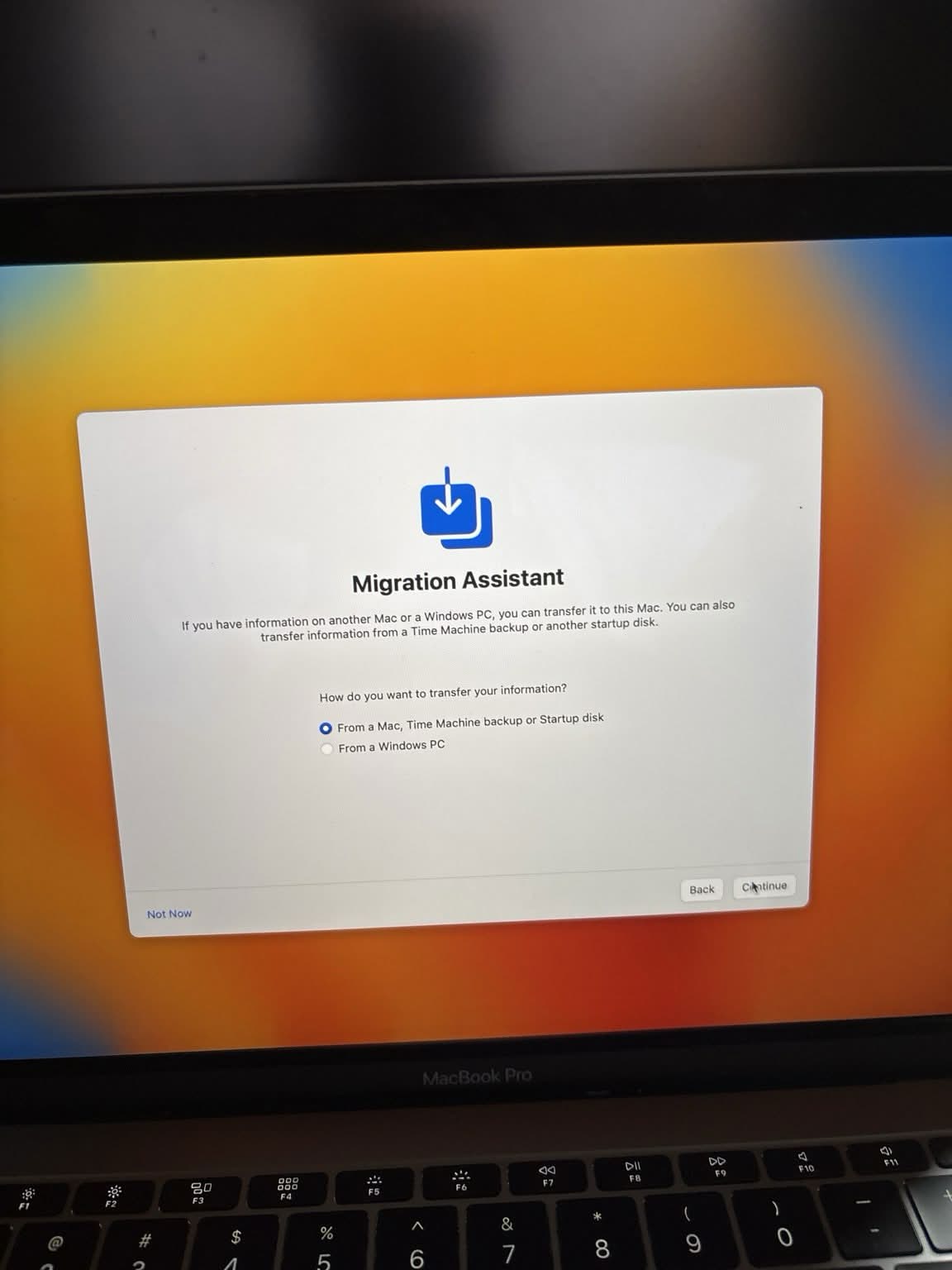
This Mac came in with a corrupted macOS installation that needed to be addressed.
I worked on the operating-system issue and performed a macOS reinstall.
After the reinstall, the Mac was restored to a working operating system.
1 / 2
Custom PC Services
Custom Ryzen 5 PC Build
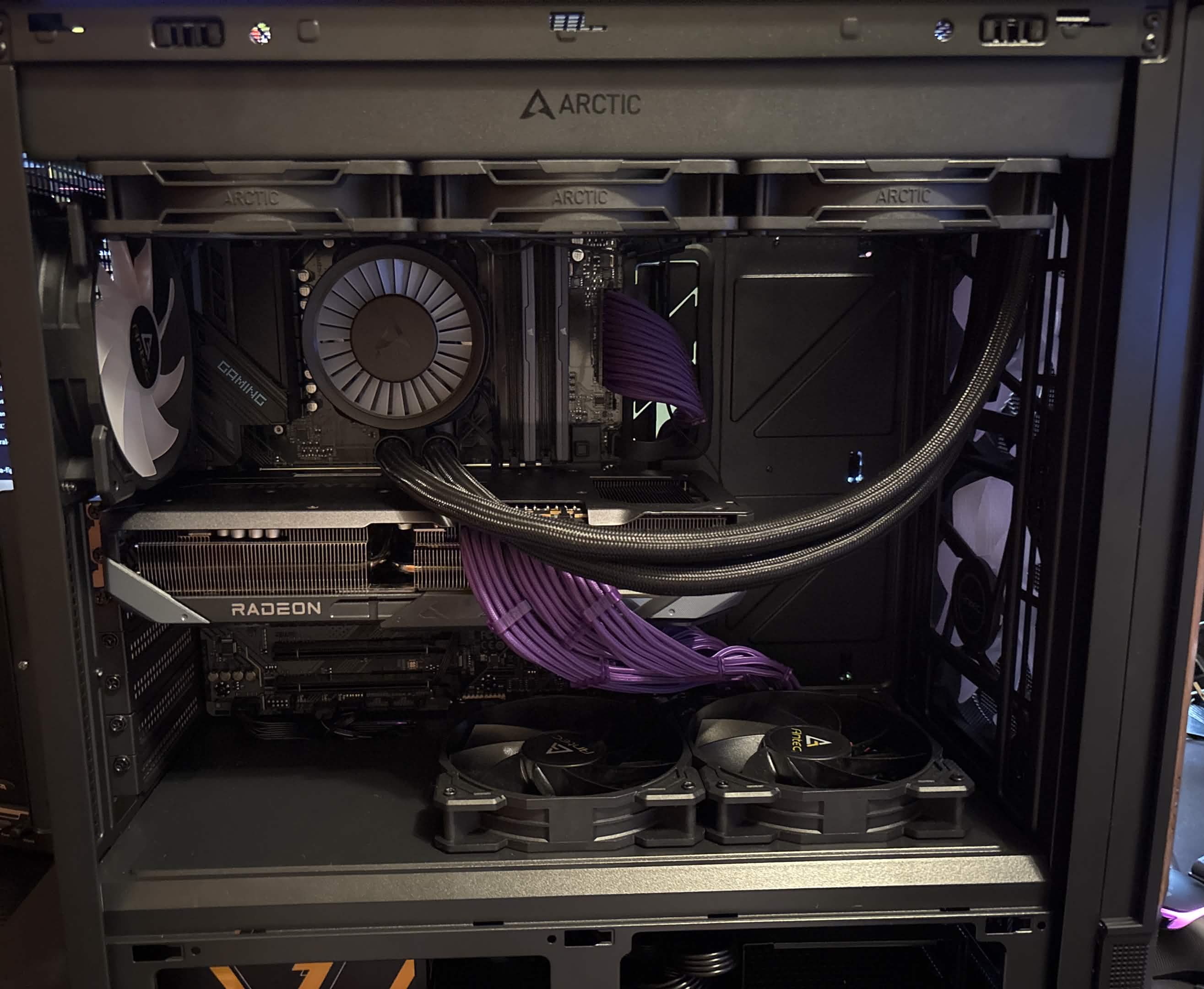
For this job, I put together a custom desktop PC based on a Ryzen 5 platform.
I assembled and installed the components, completed the internal connections and cabling, and finished the overall system build.
The result was a completed custom Ryzen 5 desktop build for the customer.
1 / 2
Diagnostics
Desktop No-Display Diagnostic
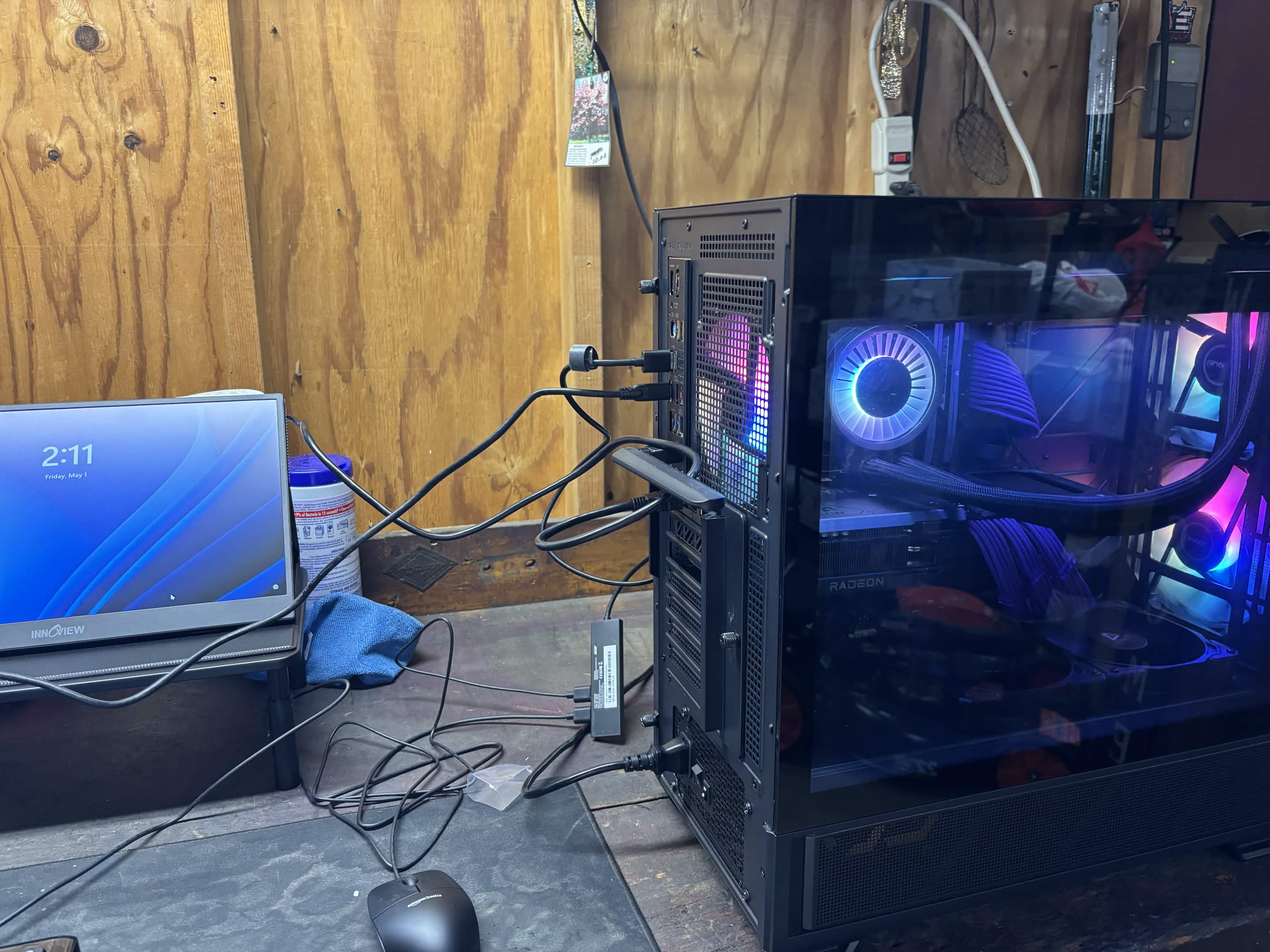
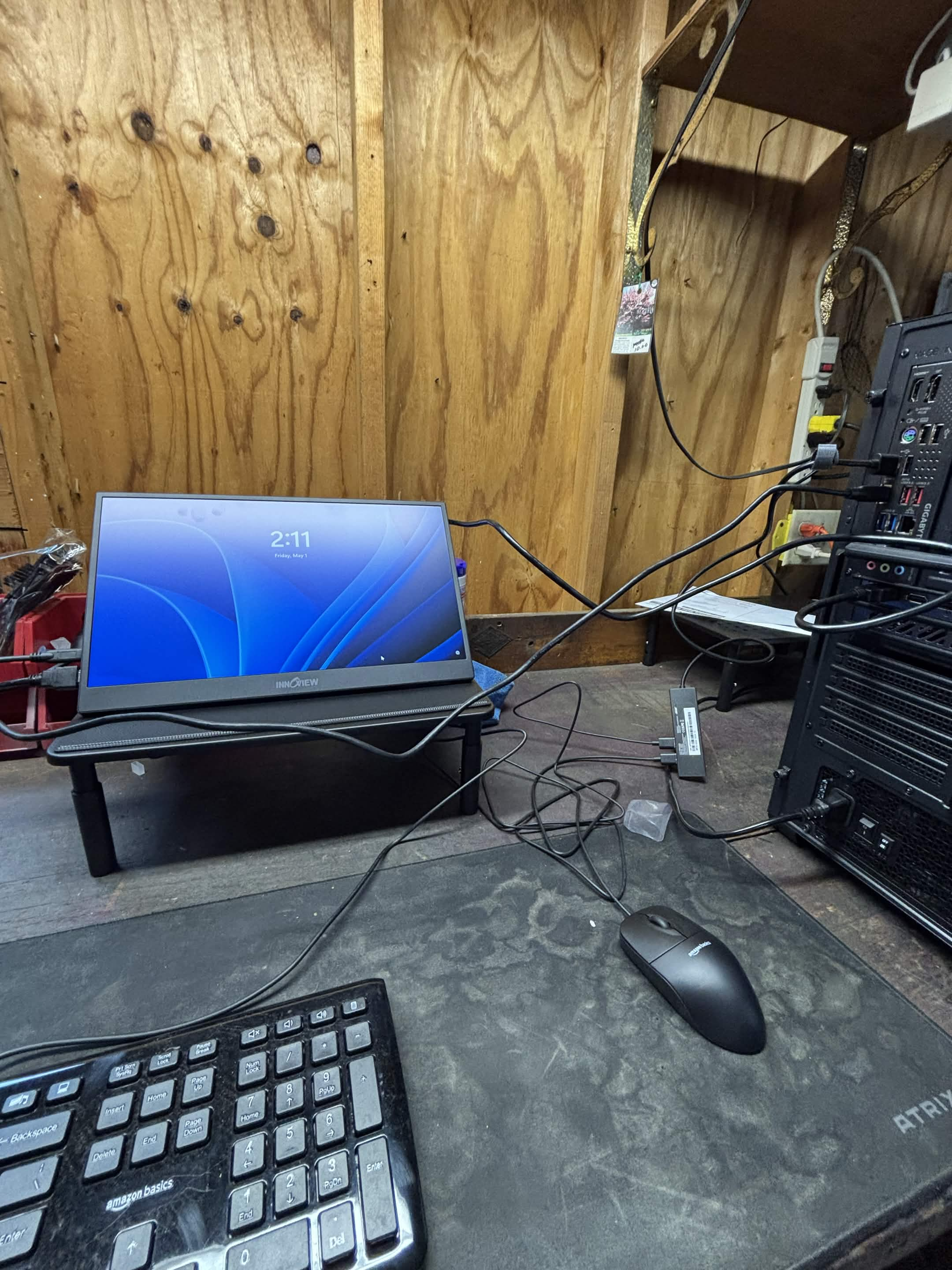
This desktop came in after the customer reported that it would not display an image when used at home.
I tested the computer at my repair bench, where it displayed normally during testing. The customer’s monitor was known to power on, so based on what I could reproduce, the issue appeared likely to be somewhere in the customer’s home display setup, potentially involving the display cable or connection.
No computer hardware failure was reproduced at my bench, and the final cause was not confirmed afterward.
Not every diagnostic ends with a failed component. Reproducing the problem—or determining when it doesn’t occur—is an important part of narrowing down an intermittent issue.
1 / 4
Laptop Hardware
MacBook Internal Deep Cleaning
This MacBook had accumulated a significant amount of dust and debris inside the system and around the cooling areas.
I opened the MacBook and performed a thorough internal cleaning, removing dust and debris from the internal components and cooling areas, including the fans.
The result was a substantially cleaner interior and cooling system.
1 / 2
Laptop Hardware
Laptop Trackpad Connector Repair
This laptop had an unreliable trackpad connection because the internal connector would not stay secured in place.
I opened the laptop, inspected the trackpad connection, identified the connector as the issue, and secured the connection with electrical tape so it would remain in place.
Trackpad operation was restored, and the repair has continued working.
1 / 2
Desktop Hardware
Desktop RGB Lighting Repair
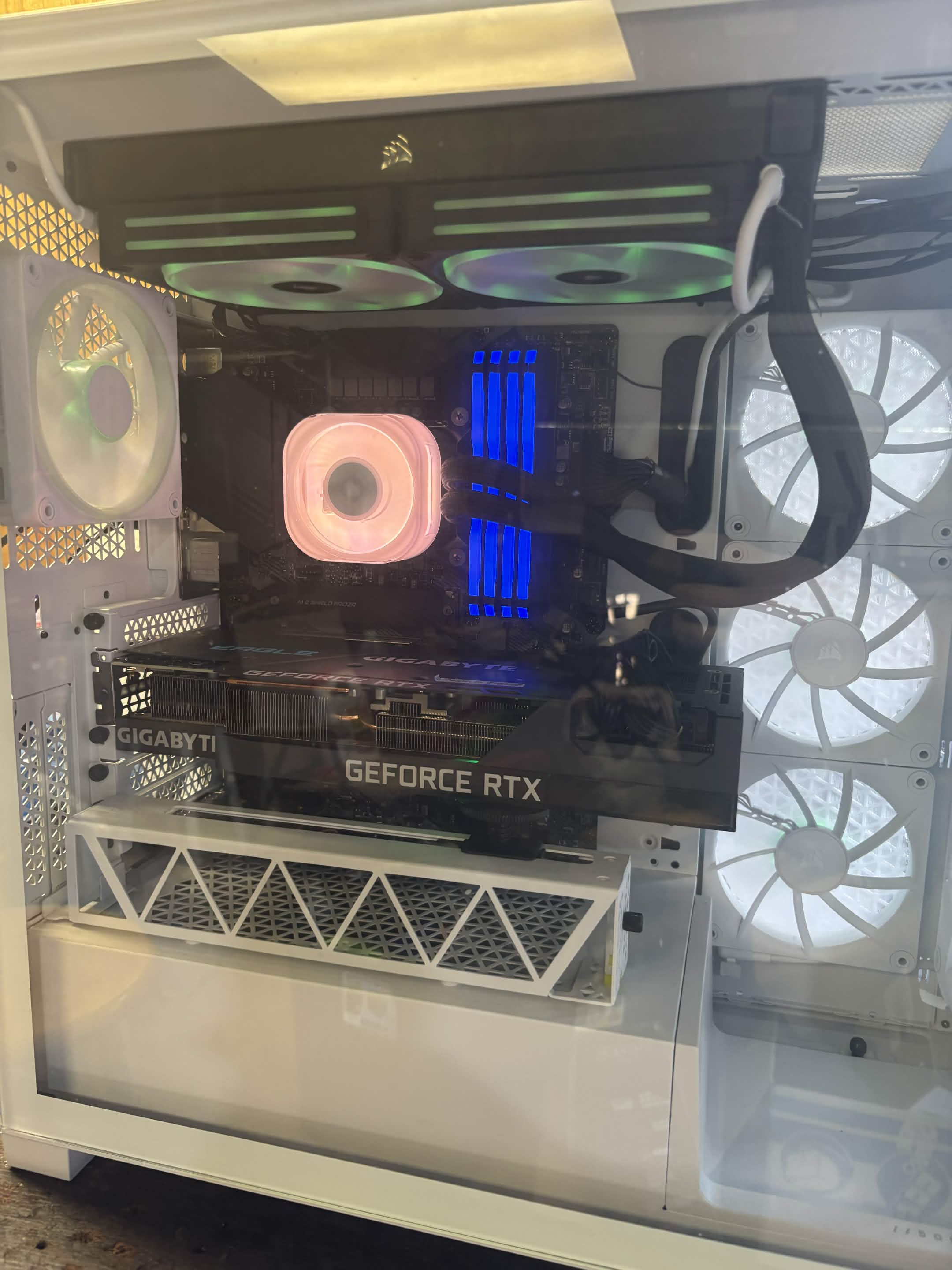
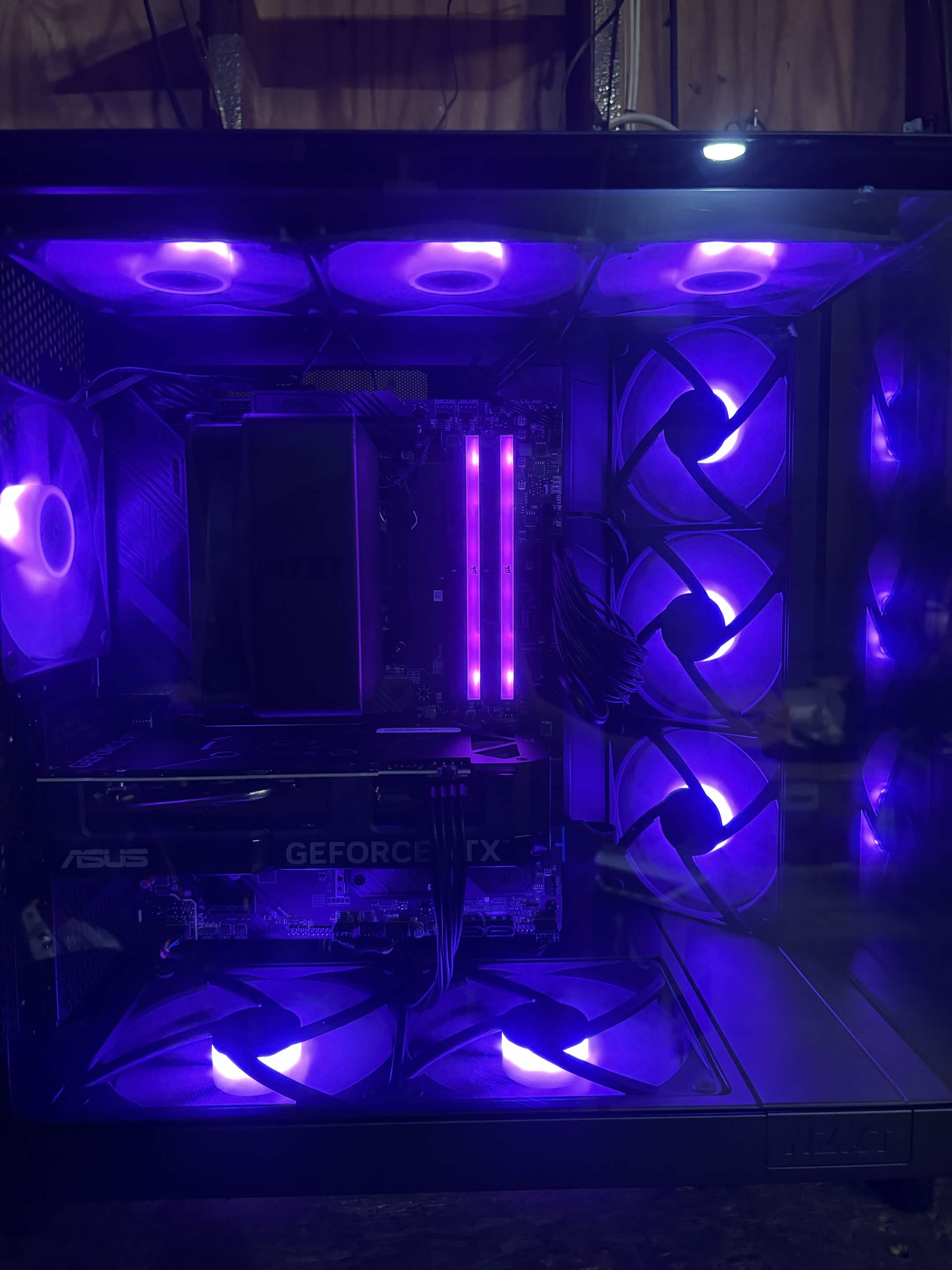
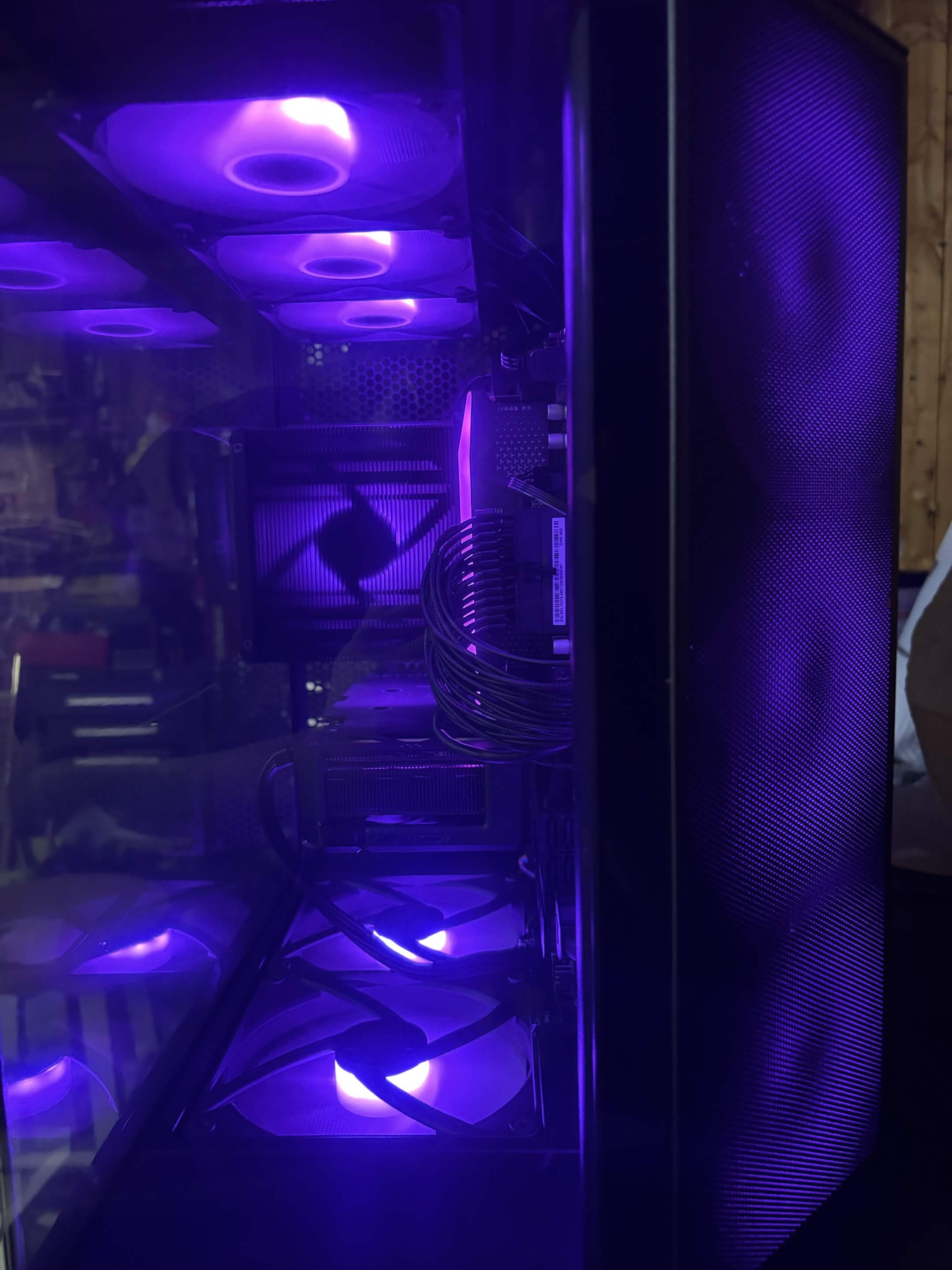
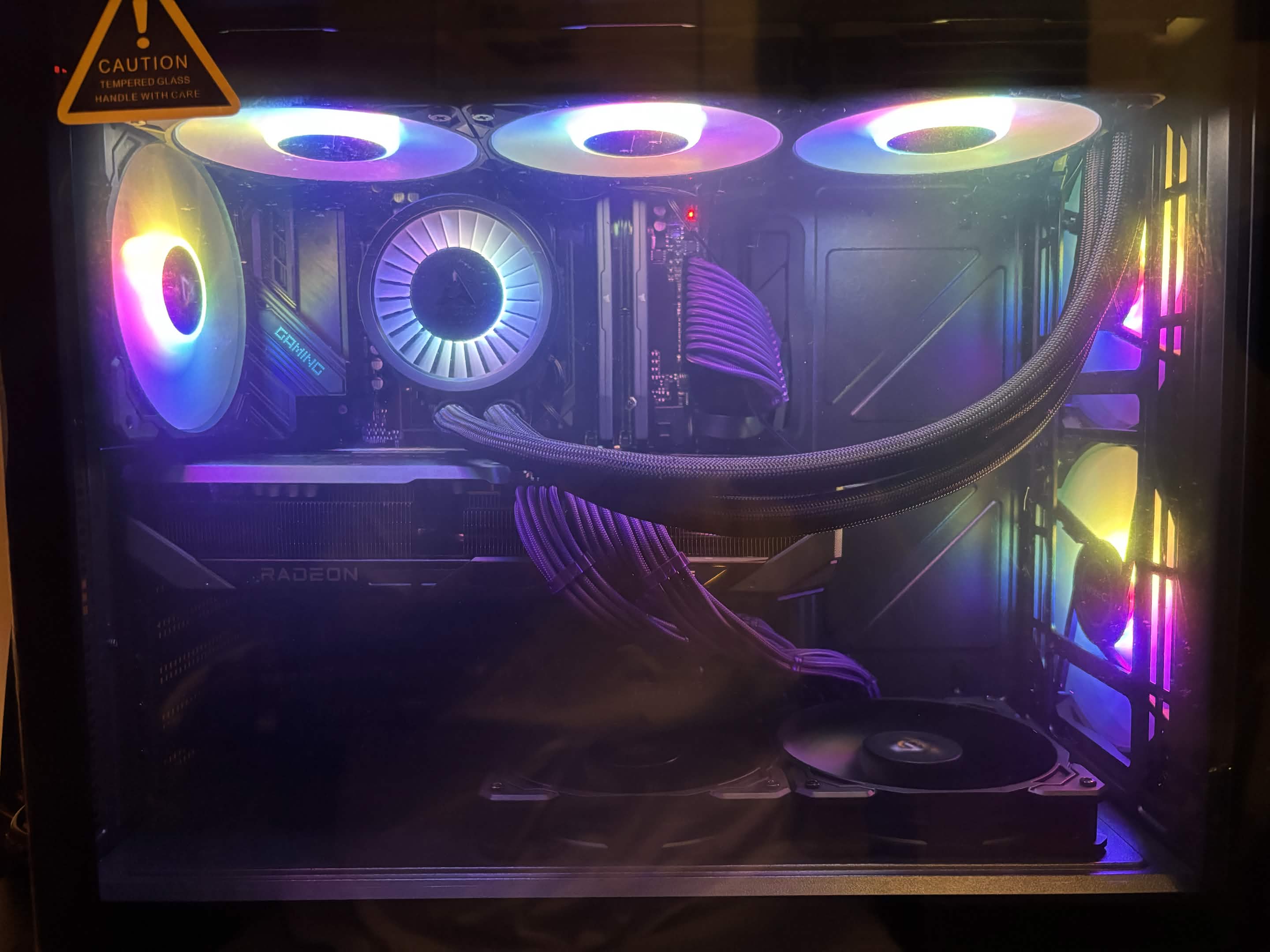
This desktop came in with fans that were working, but some of the RGB lighting wasn't operating correctly.
I inspected the fan and RGB setup and corrected the wiring and connections responsible for the lighting issue. After the connections were corrected, the RGB lighting was working properly again.
This one also made for a great before-and-after transformation.